
Subtotal ₨ 0
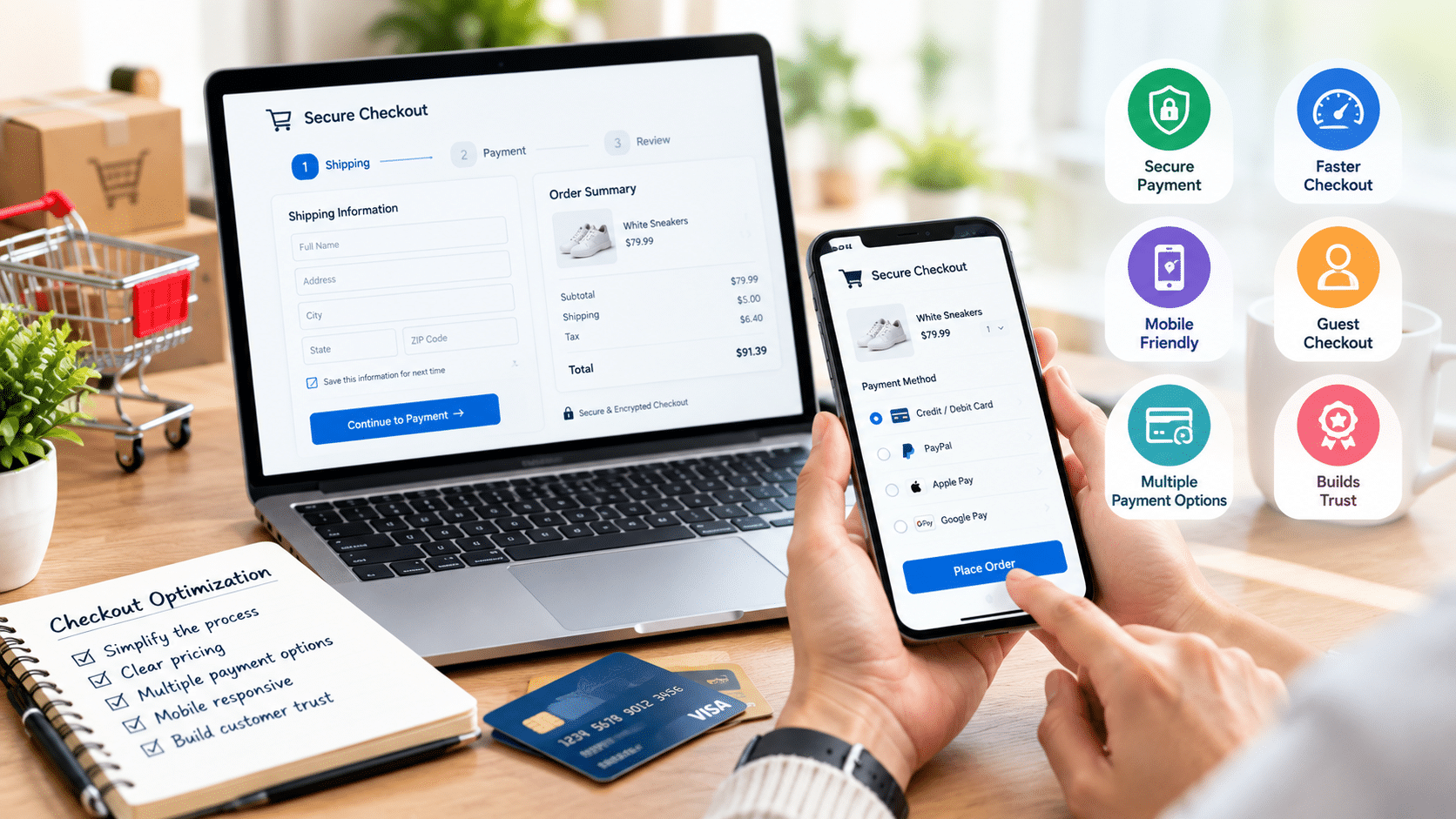
The checkout process is one of the most important stages of an online shopping journey. A customer can add products to their cart and still leave without completing the purchase if the checkout process is confusing, slow, or difficult to use.
E-commerce checkout optimization focuses on making the purchasing process simple, fast, trustworthy, and convenient.
What Is Checkout Optimization?
Checkout optimization means improving the checkout process so customers can complete their orders with as little friction as possible.
This can involve:
- Reducing unnecessary form fields
- Improving page speed
- Offering convenient payment methods
- Making errors easy to understand
- Providing clear pricing
- Improving mobile usability
- Building trust
Why Is Checkout Experience Important?
Customers expect online shopping to be convenient. If they encounter unexpected costs, complicated forms, limited payment options, or technical errors, they may abandon the purchase.
A streamlined checkout can make the overall customer journey easier.
1. Keep Checkout Simple
Avoid asking customers for information that is not necessary to process an order.
Only request the information required for:
- Delivery
- Payment
- Customer communication
- Order processing
A shorter form can make checkout feel less complicated.
2. Allow Guest Checkout
Some customers do not want to create an account before purchasing.
Offering guest checkout can remove an unnecessary barrier while still giving customers the option to create an account after completing their order.
3. Show Total Costs Clearly
Unexpected costs can create hesitation.
Make sure customers can easily see:
- Product price
- Shipping
- Taxes where applicable
- Discounts
- Final total
Transparency helps customers understand exactly what they are paying.
4. Offer Multiple Payment Methods
Different customers prefer different payment methods.
Depending on your market, consider supporting:
- Credit and debit cards
- Digital wallets
- Bank transfers
- Cash on delivery
- Local payment solutions
Your payment options should match your target audience.
5. Optimize Checkout for Mobile
Many customers shop using smartphones.
Your checkout should have:
- Large touch-friendly buttons
- Easy-to-read text
- Responsive forms
- Simple navigation
- Fast loading times
- Mobile-friendly payment options
Mobile usability should be tested on multiple screen sizes.
6. Improve Page Speed
Slow checkout pages can frustrate customers.
Optimize:
- Images
- Scripts
- Third-party integrations
- Server performance
- Caching
- Page assets
Professional web development services can help identify and address technical performance issues.
7. Display Trust Signals
Customers need confidence before entering payment information.
Useful trust elements can include:
- Secure connection indicators
- Clear return policies
- Contact information
- Shipping information
- Customer support details
- Recognizable payment options
8. Make Errors Easy to Fix
When a customer enters incorrect information, explain what went wrong.
Instead of showing a generic error message, identify the field and explain how to correct it.
9. Use Clear Calls to Action
The primary checkout button should be easy to understand.
Examples include:
- Place Order
- Complete Purchase
- Pay Now
- Confirm Order
Avoid confusing wording.
10. Test the Checkout Process
Regular testing can identify problems before customers encounter them.
Test:
- Different devices
- Different browsers
- Payment methods
- Discount codes
- Shipping calculations
- Failed payments
- Address validation
Conclusion
E-commerce checkout optimization is about removing unnecessary friction and creating a straightforward purchasing experience.
A fast, mobile-friendly, transparent, and trustworthy checkout can make it easier for customers to complete their orders.
If your store requires custom development or integrations, SSD Solutions can help you plan digital solutions around your business requirements.
FAQs
What is e-commerce checkout optimization?
It is the process of improving the checkout experience to make purchasing easier, faster, and clearer.
How can I simplify checkout?
Reduce unnecessary fields, provide guest checkout, show costs clearly, and offer convenient payment methods.
Why is mobile checkout important?
A large number of shoppers use mobile devices, so a difficult mobile checkout can create unnecessary friction.