
Subtotal ₨ 0
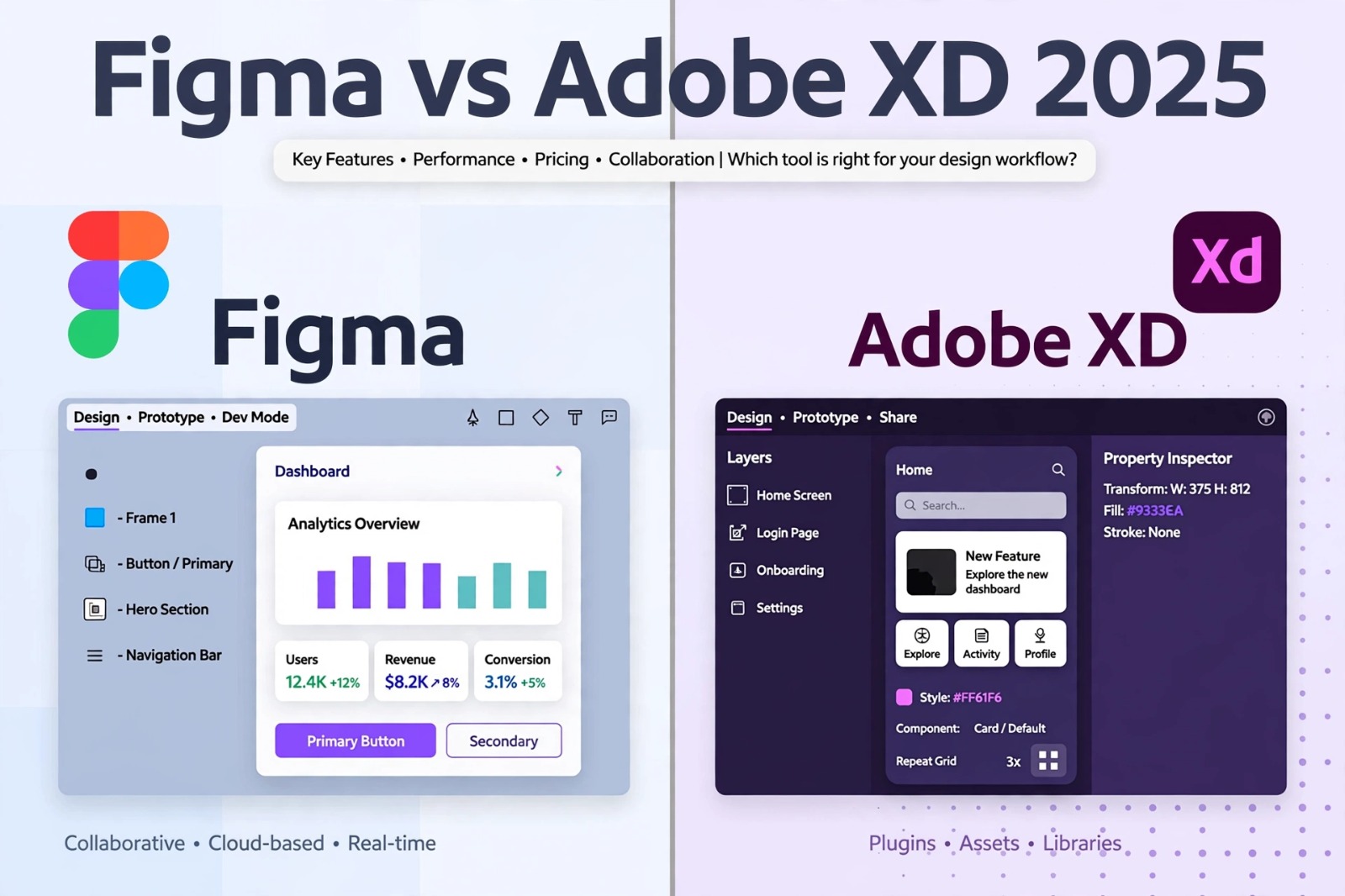
Choosing the right tool is critical for designers. This ui ux design tools comparison will help you decide between the two most popular tools. If you read our guide on Prototyping in UX Design, you know how important the right tool is.
When we did this ui ux design tools comparison, we tested both tools on collaboration, prototyping and performance to find the real winner for 2025
In our previous guide on Prototyping in UX Design, we explained why prototyping matters. Now, let’s compare the two biggest players to help you decide.
What is Figma?
Figma is a cloud-based, collaborative interface design tool. It runs directly in your browser and allows multiple designers to work live. You can explore all features on the official Figma website. It is famous for its auto-layout and huge plugin library, making it a top choice in any modern ui ux design tools comparison.
You can check all features on the official Figma website.
It is known for its powerful auto-layout, vector tools, and massive plugin ecosystem, making it a favorite for modern product teams.
What is Adobe XD?
Adobe XD is Adobe’s vector-based UX tool for web and mobile apps. It is part of Creative Cloud. It offers powerful desktop apps for Windows and Mac with smooth offline performance and deep integration with Photoshop.
It excels in voice prototyping, 3D transforms, and seamless integration with Photoshop and Illustrator, which many designers already use.
this is detailed information about UX design process.
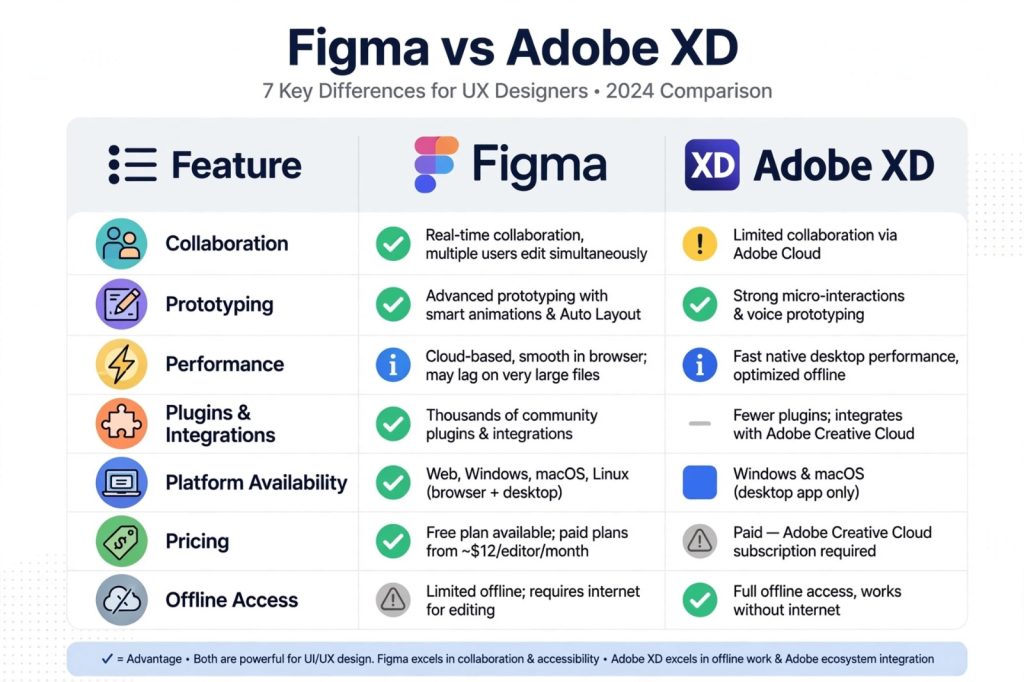
UI UX Design Tools Comparison: 7 Key Differences
Below is a detailed breakdown of our ui ux design tools comparison based on 7 key factors that matter for UX designers.
Here is a practical breakdown for this ui ux design tools comparison.
1. Collaboration & Real-time Editing
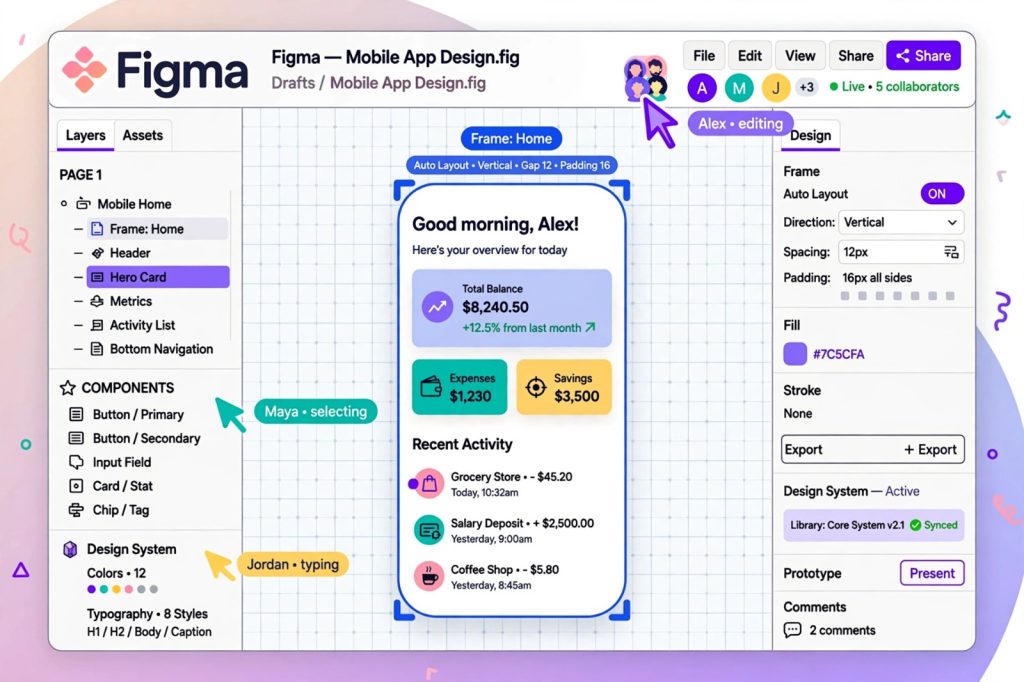
This is Figma’s biggest strength. Figma was built for collaboration. Multiple users can edit, comment, and observe live cursors.
Adobe XD now offers co-editing, but it is not as smooth as Figma.
For remote teams, Figma is the clear winner.
2. Prototyping and Animation Features
Both offer excellent prototyping. Figma has smart animate and interactive components. Adobe XD offers auto-animate and voice triggers for amazing user experiences. In this ui ux design tools comparison, Figma is better for complex prototypes.
3. Performance and Platform Compatibility
Figma works on any OS, Windows, Mac, Linux, and even ChromeOS because it runs in the browser.
Adobe XD requires installation and only works best on Windows and macOS.
However, XD’s desktop app is faster for very large files with hundreds of artboards.
4. Plugins and Integration Ecosystem
Figma has over 2000+ community plugins like Iconify, Unsplash, and FigJam.This ecosystem makes design much faster.Adobe XD also has plugins, but the library is much smaller.
Figma’s community files and templates are unbeatable for learning.
5. Vector Editing and Design Tools
Both are powerful for UI design.
Figma’s vector networks and auto-layout are more advanced and flexible for responsive design.
Adobe XD feels simpler for beginners who are familiar with Adobe products.
H3: 6. Pricing Model for Designers
Figma offers a generous free plan for individuals with 3 projects.Adobe XD also has a free starter plan, but it is more limited.
For paid plans, Figma’s Professional plan is often more cost-effective for freelancers and small teams.
7. Cloud Storage and File Management
Figma auto-saves everything to the cloud.You never lose work and version history is amazing.Adobe XD saves files to Creative Cloud, but you must manage versions manually.Figma’s file organization is better for large design systems.
Which is Better for UX Prototyping?
If you need real-time collaboration and a tool for product design teams, choose Figma.
If you are already in the Adobe ecosystem and need strong offline performance and simple prototyping, Adobe XD is still a solid choice.
For most companies in 2025, Figma has become the industry standard for effective prototyping tools.
Final Verdict: Should You Choose Figma or Adobe XD?
For startups, agencies, and remote teams, Figma is more powerful. For solo designers who love Adobe, XD is solid. In conclusion, this ui ux design tools comparison shows Figma has become the industry standard in 2025 for collaborative product design.
FAQs
Q1. Is Figma better than Adobe XD?
Yes, for most UX teams in 2025, Figma is better due to real-time collaboration, browser-based access, and a larger plugin ecosystem.
Q3. Which tool is best for beginners?
both tools are powerful for designers, but for remote teams and modern product workflows, Figma is the winner. We hope this ui ux design tools comparison helped you choose the right tool for your next project in 2025. Start with the free plan of both and see which workflow fits you best.
We hope this ui ux design tools comparison helped you choose the right tool for your workflow.