
Subtotal ₨ 0
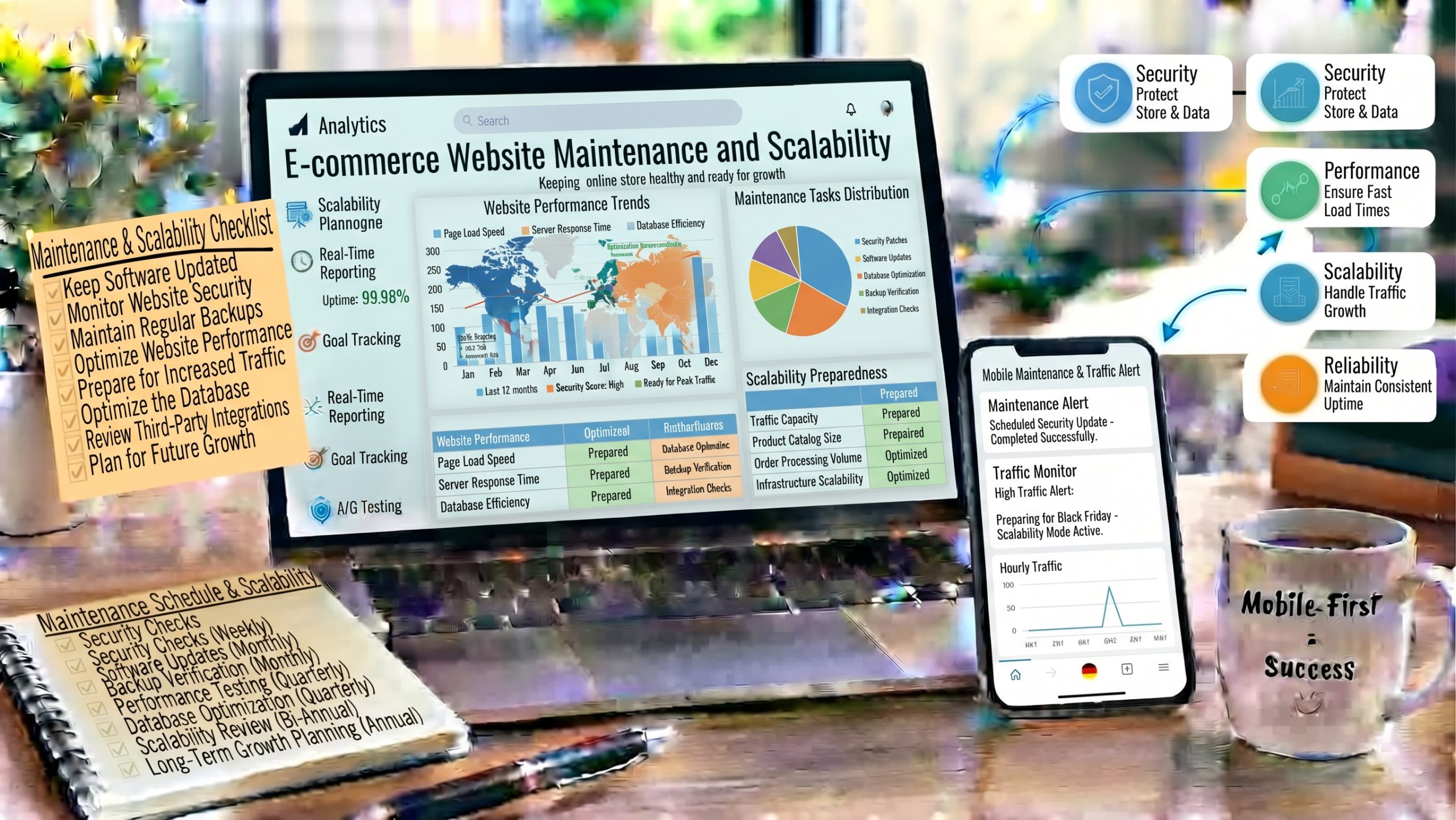
Ecommerce website maintenance is the work that keeps your online store fast, secure, and ready to sell every day. It is also the foundation of growth. A store that is updated, monitored, and built to scale can handle more traffic, more products, and more orders without breaking.
In this guide, you’ll learn what to maintain, how often to do it, and how to prepare your store to scale as your business grows.
Why Ecommerce Website Maintenance Matters
Ecommerce website maintenance protects four things: revenue, security, search visibility, and your ability to grow.
Revenue: Even a few minutes of downtime during a sale can cost you orders you will never get back. Regular monitoring helps you catch problems before customers do.
Security: Online stores handle customer data and payments. Outdated software is one of the most common ways attackers get in.
SEO: Broken links, slow pages, and server errors hurt your rankings. A well-maintained store gives search engines a clean, fast site to crawl.
Scalability: Growth exposes weak spots. A store that is not ready for more traffic can slow down or crash at the exact moment demand is highest.
Ecommerce Website Maintenance Checklist
Daily Ecommerce Website Maintenance Tasks
- Check that your site, cart, and checkout are working
- Review orders and payment errors
- Watch uptime alerts
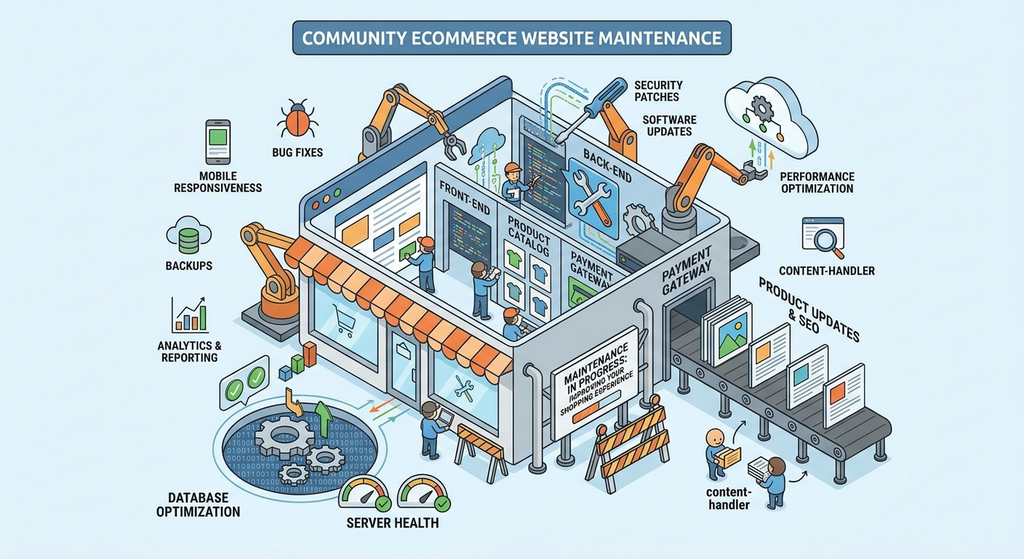
Weekly Maintenance Tasks
- Run a full backup and confirm it can be restored
- Update plugins, apps, and themes after testing
- Check for broken links and 404 errors
- Review security alerts and failed login attempts
Monthly Maintenance Tasks
- Test site speed and Core Web Vitals
- Clean up the database, spam, and unused media
- Review inventory, prices, and product descriptions
- Check payment gateways and shipping rules
Quarterly Maintenance Tasks
- Audit plugins, apps, and user accounts
- Review hosting resources and traffic trends
- Test your checkout on desktop and mobile
- Renew SSL certificates and review legal and privacy pages
12 Proven Ecommerce Website Maintenance and Scalability Tips
1. Automate Backups for Your Ecommerce Website
Back up your files and database daily, and store copies off-site. Test a restore at least once a quarter, because a backup you cannot restore is not a backup.
2. Keep Everything Updated
Update your platform, theme, plugins, and apps regularly. Test updates on a staging site first so a bad update never breaks your live checkout.
3. Strengthen Security
Use HTTPS, a web application firewall, strong passwords, and two-factor authentication. Limit admin access, and keep your payment setup PCI DSS compliant.
4. Monitor Uptime and Errors
Use an uptime monitor and error tracking so you are alerted the moment the store goes down or checkout fails. You can also use Google Search Console to spot crawl errors and indexing problems.
5. Keep Your Store Fast
Compress images, use caching, and remove unused apps. Re-test speed every month, because new products and scripts slowly add weight. For a full walkthrough, read our ecommerce website speed optimization guide.
6. Fix Broken Links and 404 Errors
Redirect deleted products to a relevant category or a similar product. Don’t leave customers and search engines on dead pages.
7. Clean Your Database
Remove old revisions, expired sessions, abandoned carts, and spam. A lean database keeps large catalogs responsive.
8. Keep Product Data Accurate
Check prices, stock levels, images, and descriptions often. Wrong inventory causes cancelled orders and unhappy customers.
9. Choose Scalable Hosting
Pick hosting that lets you add resources quickly, such as cloud hosting or managed ecommerce hosting. Avoid plans that force a full migration every time traffic grows.
10. Use a CDN and Smart Caching
A CDN and server-side caching take load off your main server and keep pages fast for shoppers anywhere. Always exclude the cart, checkout, and account pages from caching.
11. Build a Flexible Architecture
Choose tools that connect through APIs, so you can add a new payment method, inventory system, or email platform without rebuilding your store. Keep your code and theme clean and modular.
12. Load Test Before Big Sales
Simulate heavy traffic before Black Friday or a major campaign. Find the bottlenecks, fix them early, and have a plan for scaling resources up quickly.
Common Ecommerce Website Maintenance Mistakes to Avoid
- Updating plugins directly on the live store
- Keeping backups only on the same server
- Testing only on desktop and ignoring mobile
- Waiting for a traffic spike before upgrading hosting
- Installing apps without checking their effect on speed
Final Thoughts on Ecommerce Website Maintenance
Ecommerce website maintenance is not a one-time task. It is a routine that protects your sales, your customers, and your search rankings. Start with the basics: backups, updates, security, and monitoring. Then build in scalability with flexible hosting, a CDN, and regular load tests.
If you need help with updates, security, or scaling, contact our team for expert support.
A store that is maintained well today can grow with confidence tomorrow.
Ecommerce Website Maintenance FAQs
What is ecommerce website maintenance?
It is the ongoing work of keeping an online store running smoothly, including backups, updates, security checks, speed testing, and product data updates.
How often should I maintain my ecommerce website?
Check the essentials daily, run backups and updates weekly, and do deeper audits monthly and quarterly.
How much does ecommerce website maintenance cost?
It depends on your platform, store size, and whether you handle it in-house. Small stores may only need a few tools, while larger stores often use a monthly maintenance plan from a developer or agency.
What does scalability mean for an online store?
Scalability is your store’s ability to handle more traffic, products, and orders without slowing down or crashing.
When should I upgrade my hosting?
Upgrade when pages slow down at peak times, your host warns about resource limits, or your traffic is growing steadily.