
Subtotal ₨ 0
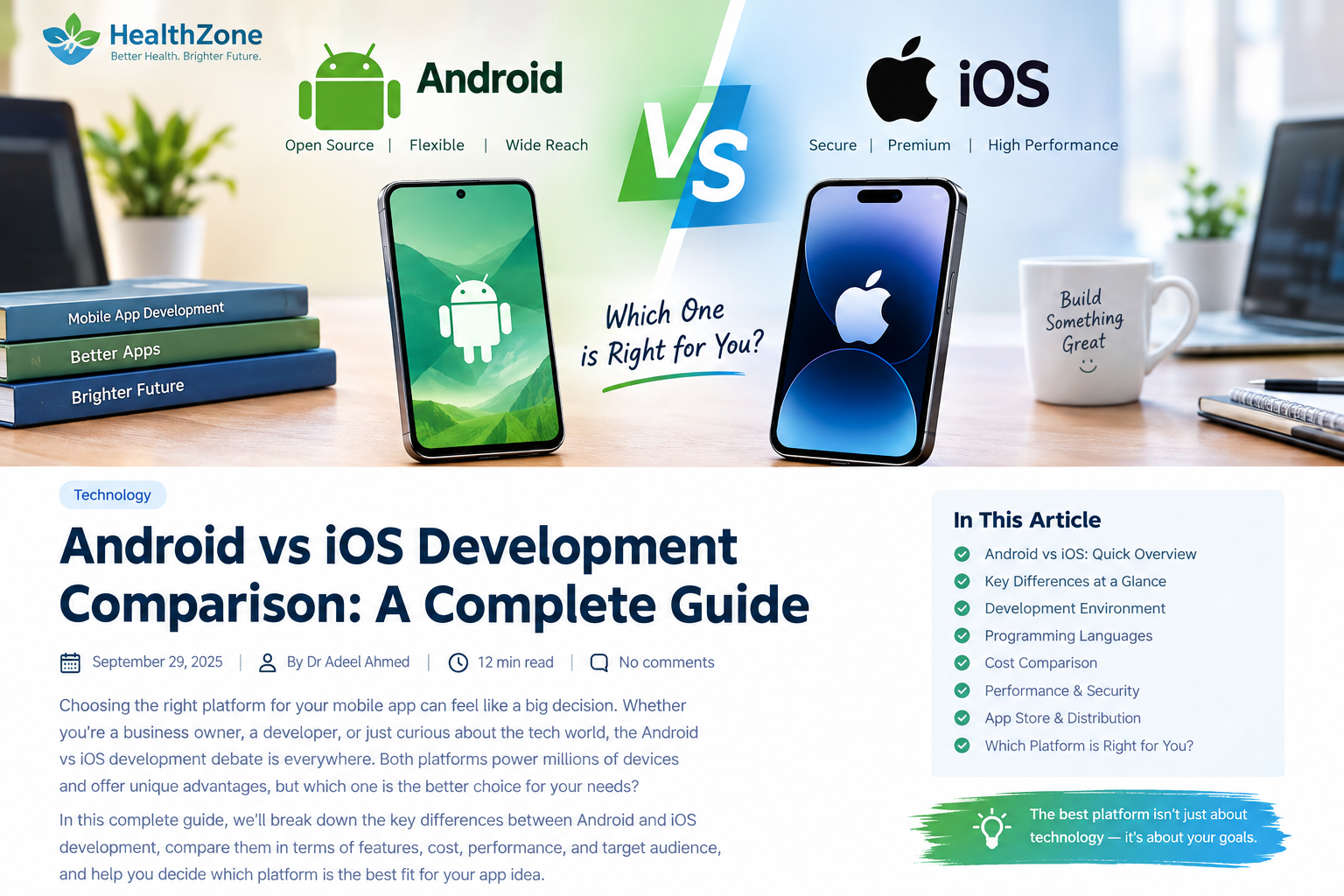
Choosing the right platform for mobile app development can be challenging. Android vs iOS development is one of the most common comparisons for beginners, developers, startups, and businesses planning to build a mobile application.
Both Android and iOS offer powerful technologies, modern development tools, large user communities, and mature app ecosystems. However, they are different in terms of programming languages, development environments, device compatibility, testing, security, publishing, cost, and user experience.
In this Android vs iOS development guide, we will explore the major differences between both platforms in simple and practical language. You will learn about Android development, iOS development, Kotlin, Swift, Android Studio, Xcode, app testing, development costs, security, and cross-platform solutions.
Whether you are a beginner learning mobile app development or a business owner planning your next app, this guide will help you understand the options more clearly.
Android vs iOS Development: Quick Overview
Android is Google’s mobile operating system and is available across a wide range of smartphones, tablets, foldable devices, and other supported form factors.
iOS is Apple’s mobile operating system and is designed specifically for Apple’s hardware ecosystem.
Modern Android development commonly uses Kotlin, while modern iOS development commonly uses Swift.
Android developers generally work with Android Studio, while Apple developers use Xcode.
Although both platforms allow developers to build powerful mobile applications, the development experience can be quite different.
Android vs iOS Development: Key Differences
| Feature | Android Development | iOS Development |
|---|---|---|
| Operating system | Android | iOS |
| Main developer language | Kotlin | Swift |
| Main IDE | Android Studio | Xcode |
| Hardware ecosystem | Many manufacturers and device types | Apple hardware |
| UI technologies | Jetpack Compose, Views | SwiftUI, UIKit |
| Testing considerations | Wide range of devices and configurations | More controlled device ecosystem |
| Distribution | Google Play and supported channels | Apple App Store |
| Development flexibility | Broad hardware and software variation | More controlled platform |
| Main consideration | Device diversity | Apple’s ecosystem and requirements |
This overview gives you a foundation, but the real differences become clearer when we examine each area individually.
1. Programming Languages: Kotlin vs Swift
Programming language is one of the first things developers consider when starting a mobile project.
Kotlin for Android Development
Kotlin is Google’s recommended language for modern Android development. It is concise, expressive, and designed with features that can help developers write safer and more maintainable code.
Kotlin also works with Java, which is useful for developers working on existing Android applications.
For a new developer interested in Android app development, learning Kotlin is a practical starting point.
Swift for iOS Development
Swift is Apple’s modern programming language for developing applications across its platforms.
Swift is designed to provide a clear syntax while supporting performance and safety. Developers can combine Swift with Apple’s frameworks and development tools to create modern applications.
SwiftUI also provides a declarative approach to building user interfaces.
Kotlin vs Swift: What Is the Difference?
Kotlin and Swift are both modern programming languages, but they belong to different development ecosystems.
- Kotlin is strongly associated with Android development.
- Swift is Apple’s primary modern language for its platforms.
- Both support modern programming practices.
- Both can be used to build sophisticated mobile applications.
The right language depends mainly on the platform you want to target.
2. Android Studio vs Xcode
The development environment is where programmers write code, design interfaces, test applications, find errors, and prepare releases.
Android Studio
Android Studio is Google’s official integrated development environment for Android applications.
It provides tools for coding, debugging, testing, profiling, building, and managing Android projects.
Because Android applications can run on many different devices, developers need to consider screen sizes, hardware capabilities, operating system versions, and device configurations.
Xcode
Xcode is Apple’s integrated development environment for building applications for Apple platforms.
It provides tools for writing code, designing interfaces, running tests, debugging applications, analyzing performance, and preparing apps for distribution.
Apple’s hardware ecosystem is more controlled, which can make certain development and testing tasks more predictable.
3. Device Diversity and Testing
One of the most important differences in Android vs iOS development is device diversity.
Android is available on devices from many manufacturers. These devices can have different:
- Screen sizes
- Hardware specifications
- Android versions
- Camera systems
- Memory capacities
- Processor performance
- Form factors
- Manufacturer-specific features
This creates flexibility for developers but also increases testing requirements.
A professional Android application should be tested across appropriate device configurations to ensure that the user experience remains reliable.
iOS development also requires testing across supported Apple devices and screen sizes. However, the overall hardware ecosystem is more controlled.
Testing should cover more than simply opening the application. Developers should examine performance, navigation, network behavior, accessibility, notifications, permissions, and different screen configurations.
4. User Interface and User Experience
Good mobile applications should feel natural to their users.
Android and iOS have different design conventions, even when an application provides the same core functionality.
Android developers can use technologies such as Jetpack Compose to create modern user interfaces.
iOS developers can use SwiftUI or UIKit to build interfaces for Apple devices.
When developing an application for both platforms, copying exactly the same interface to each platform may not always provide the best experience.
A stronger approach is to maintain the same branding and functionality while adapting navigation, gestures, spacing, controls, and interactions to each platform.
This creates a more natural user experience.
5. Performance in Android and iOS Apps
Performance is an important factor in any mobile application.
Users expect applications to open quickly, respond smoothly, use resources efficiently, and remain stable during everyday use.
In Android vs iOS development, it is difficult to say that one platform automatically produces better performance.
Application performance depends on several factors, including:
- Code quality
- Application architecture
- Memory management
- Database design
- Network requests
- Image optimization
- Background processing
- Third-party libraries
- Device hardware
- Testing and optimization
A carefully designed application can perform well on either platform.
Developers should therefore use performance testing and real measurements rather than relying on assumptions.
6. Security and Privacy
Security should be considered from the beginning of mobile app development.
Both Android and iOS provide security features that developers can use to protect applications and user information.
However, simply using a secure operating system does not automatically make an application secure.
Developers should pay attention to:
- User authentication
- Secure API communication
- Data storage
- Access permissions
- Encryption
- Session management
- Password handling
- Third-party services
- Software updates
Privacy is also increasingly important to users.
Applications should request only the permissions they genuinely need and clearly explain how user data is collected and used.
7. Android vs iOS Development Cost
Development cost is one of the most important concerns for startups and businesses.
There is no fixed price for Android or iOS development because the total cost depends on the project.
Factors that can influence development cost include:
- Number of features
- Application complexity
- UI and UX requirements
- Backend development
- Database integration
- API integrations
- Payment systems
- Testing requirements
- Security requirements
- Maintenance
- Developer experience
A simple information app can require much less development work than a marketplace, banking application, social network, or healthcare platform.
Businesses should therefore estimate the complete project rather than comparing platforms based only on initial development costs.
8. App Publishing and Distribution
Building an application is only part of the development process. Developers must also prepare it for distribution.
Android applications can be prepared for release through Google Play and other supported distribution methods.
iOS applications are commonly distributed through Apple’s App Store after meeting Apple’s applicable requirements and review process.
Developers should understand publishing requirements early because certain technical or content decisions can affect the release process.
App store optimization can also become important after launch because good visibility can help users discover an application.
9. Android vs iOS Development for Beginners
If you are a beginner, choosing your first platform can feel overwhelming.
A simple approach is to start with your target audience.
Ask yourself:
Who will use my application?
If your target audience primarily uses Android devices, learning Android development can be a practical choice.
If your intended users primarily use Apple devices, learning iOS development may make more sense.
You should also consider your available development environment, learning resources, and long-term goals.
For Android, a beginner can start with Kotlin and Android Studio.
For iOS, a beginner can start with Swift and Xcode.
Rather than trying to learn everything immediately, build a small project first. For example, you could create a calculator, notes app, habit tracker, or simple information application.
Practical projects make it easier to understand programming concepts.
10. Android vs iOS Development for Businesses
Businesses should approach the decision differently from individual learners.
Instead of asking only, “Which platform is better?” ask:
Which platform matches my customers and business objectives?
Understand your audience
Research the devices your existing or potential customers use.
Define your features
List the features your application actually needs.
For example, an application might require:
- Camera access
- Location services
- Push notifications
- Payments
- Bluetooth
- Health-related features
- Artificial intelligence
- Video
- Messaging
- Cloud storage
Calculate the complete budget
Consider development, testing, hosting, security, updates, maintenance, and marketing.
Think about the future
If you eventually plan to support both platforms, consider that during the architecture and development planning stage.
A well-planned application can be easier to expand later.
11. Native vs Cross-Platform Development
Another important part of the Android vs iOS development discussion is whether to build native applications or use a cross-platform framework.
Native development means creating applications specifically for Android or iOS using the platform’s own technologies.
Cross-platform development allows developers to share some code across multiple platforms.
Popular technologies include:
- Flutter
- React Native
- .NET MAUI
- Kotlin Multiplatform
Cross-platform development can reduce duplicated work in suitable projects.
However, it does not mean that every application should automatically use a cross-platform approach.
Some projects require deep platform integration or highly specialized functionality. In such cases, native development may be appropriate.
The best technical approach depends on the application’s requirements, development team, budget, and long-term strategy.
12. Android vs iOS Development: Advantages and Challenges
Android Development
Potential advantages include:
- Broad device ecosystem
- Support for many form factors
- Flexible hardware ecosystem
- Kotlin for modern development
- Powerful Android development tools
Common challenges include:
- Device diversity
- Different screen sizes
- Hardware differences
- More compatibility considerations
iOS Development
Potential advantages include:
- Controlled hardware ecosystem
- Strong integration between Apple hardware and software
- Swift and SwiftUI
- Comprehensive development tools
- Consistent platform conventions
Common challenges include:
- Apple-specific development environment
- App Store requirements
- Platform-specific development considerations
- Need to work within Apple’s ecosystem
These characteristics can affect development planning, but the importance of each factor depends on the individual project.
13. Which Platform Is Right for Your App?
The answer to the Android vs iOS development question depends on your specific goals.
Consider Android when:
- Your target audience uses Android devices.
- You need broad device coverage.
- Your application needs to support diverse form factors.
- Android is central to your business strategy.
Consider iOS when:
- Your target audience uses Apple devices.
- Your business specifically targets Apple’s ecosystem.
- Your project benefits from Apple’s controlled hardware environment.
- Your development strategy is focused on Apple platforms.
Consider supporting both platforms when your audience is distributed across Android and iOS and your business case justifies the additional development and maintenance requirements.
Cross-platform development can also be considered when sharing code provides meaningful advantages for your project.
Frequently Asked Questions About Android vs iOS Development
Is Android development harder than iOS development?
Neither platform is universally harder. The difficulty depends on the developer’s experience, application complexity, tools, testing requirements, and familiarity with the ecosystem.
Is Kotlin better than Swift?
Kotlin and Swift are designed for different platform ecosystems. Kotlin is widely used for Android development, while Swift is Apple’s modern programming language. The appropriate choice depends on the platform being developed for.
Can one developer build both Android and iOS apps?
Yes. A developer can learn both ecosystems or use a cross-platform framework. However, supporting both platforms still requires understanding platform-specific design, testing, APIs, and publishing requirements.
Is Android or iOS better for app development?
There is no universal answer. Android and iOS have different ecosystems and development requirements. The appropriate platform depends on the target audience, features, budget, and business goals.
Can I develop Android apps without learning Java?
Yes. Kotlin is a modern language used extensively for Android development. Java remains supported, particularly in existing Android projects.
Do I need a Mac for iOS development?
For native iOS development using Apple’s standard Xcode workflow, a Mac is required because Xcode is Apple’s development environment for its platforms.
Yes. You can develop separate native applications or consider a cross-platform framework that supports both platforms. The best approach depends on the project’s requirements.
Final Thoughts on Android vs iOS Development
Understanding Android vs iOS development is important before starting a mobile application project.
Android provides a broad and diverse device ecosystem, while iOS operates within Apple’s more controlled hardware and software environment. Kotlin and Android Studio are central to modern Android development, while Swift and Xcode play important roles in Apple’s development ecosystem.
The right choice should be based on your users, application requirements, available resources, development budget, and long-term plans.
For beginners, starting with one platform and building practical projects can make the learning process much easier. For businesses, researching the target audience and defining technical requirements should come before selecting a development strategy.
Whether you choose Android, iOS, or a cross-platform solution, successful mobile development depends on more than the operating system. Good planning, thoughtful design, reliable coding, strong security, thorough testing, and continuous improvement all contribute to a successful application.
The smartest development decision is the one that matches your users and your project’s real needs.