
Subtotal ₨ 0
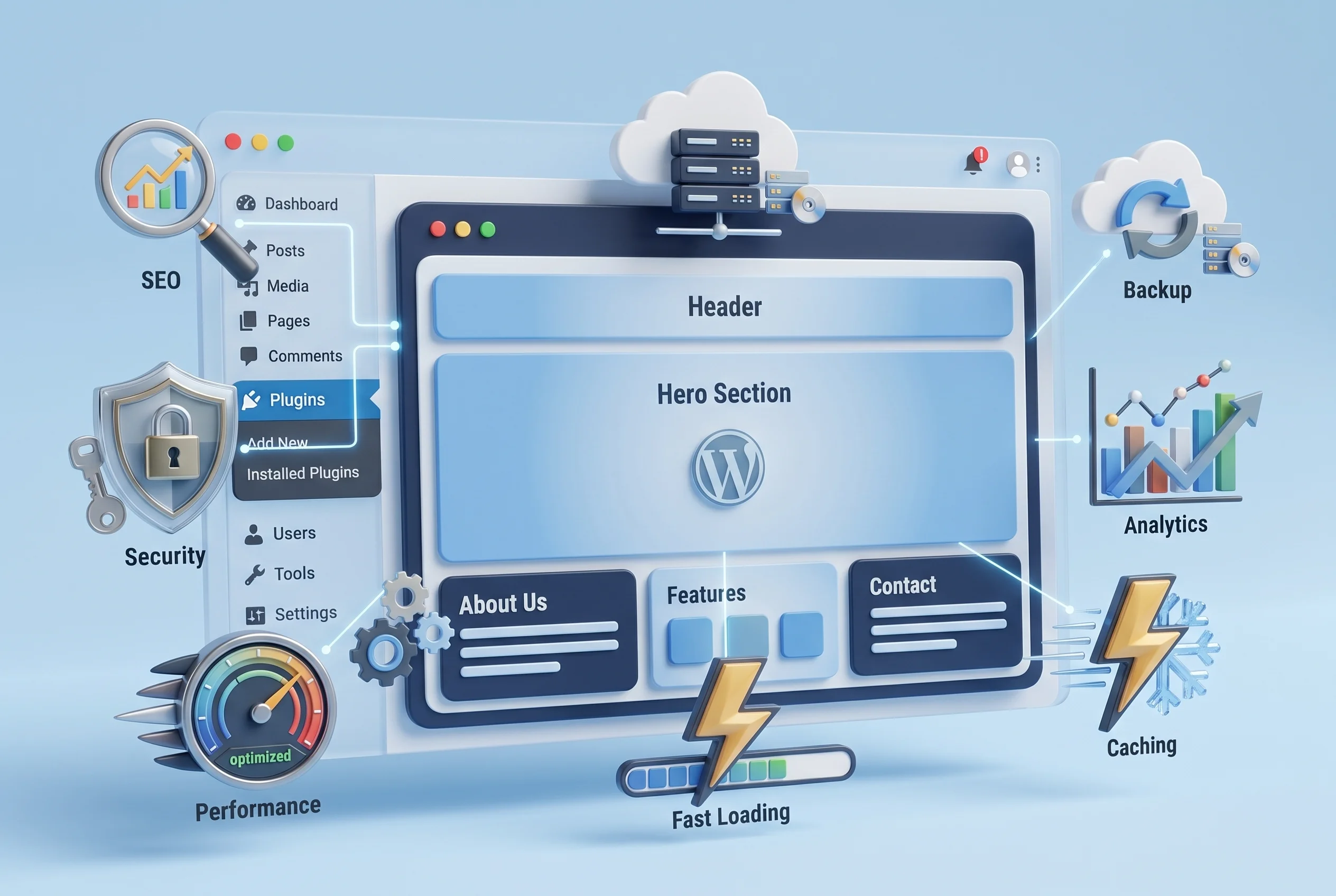
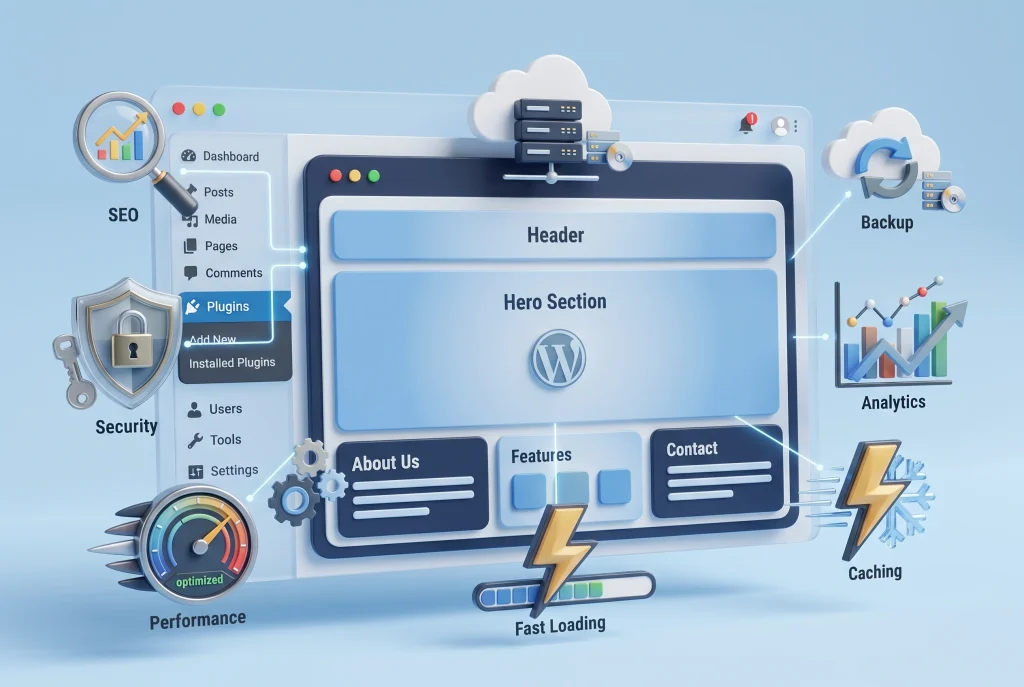
A fast website is no longer just a nice feature—it is an important part of delivering a good user experience and building a successful website. WordPress site speed optimization helps reduce loading times, improve website performance, make pages easier to use on mobile devices, and create a smoother browsing experience for visitors. Whether you run a business website, blog, online store, portfolio, or service website, improving WordPress performance can help you keep visitors engaged and reduce unnecessary bounce rates.
Website speed also matters because visitors expect pages to load quickly. When a website takes too long to display its content, users may leave before they even see what you offer. This is why website owners should understand the factors affecting WordPress speed and learn how to optimize their websites properly.
In this complete guide, we will explain what WordPress site speed optimization means, why website speed matters, what causes WordPress websites to become slow, and the practical steps you can take to improve loading speed and overall performance.
What Is WordPress Site Speed Optimization?
WordPress site speed optimization is the process of improving different parts of a WordPress website so that its pages load faster and perform more efficiently.
A WordPress website depends on several components working together. These can include web hosting, WordPress themes, plugins, images, JavaScript, CSS, databases, fonts, and third-party services. If any of these components are poorly configured or unnecessarily heavy, they can increase page loading time.
Website optimization focuses on reducing unnecessary resources and improving how quickly a browser can load and display a webpage.
Some common areas of WordPress speed optimization include:
- Optimizing images
- Using a reliable web hosting provider
- Enabling browser caching
- Implementing page caching
- Minifying CSS and JavaScript
- Reducing unnecessary plugins
- Optimizing the WordPress database
- Using a Content Delivery Network (CDN)
- Improving Core Web Vitals
- Optimizing mobile performance
- Reducing unnecessary third-party scripts
- Improving server response time
The goal is not simply to make a website score perfectly in a speed testing tool. The real goal is to create a website that loads quickly, responds smoothly, and provides a better experience for real visitors.
Why WordPress Site Speed Optimization Matters
Website speed affects several important areas of your online presence. A slow website can negatively influence user experience, conversions, engagement, and potentially search visibility.
When someone visits your website, they expect important content to appear quickly. If they have to wait several seconds for a page to become usable, they may become frustrated and leave.
Better User Experience
A fast website makes navigation more comfortable. Visitors can open pages, read content, browse products, and interact with forms without unnecessary delays.
For an ecommerce website, this becomes even more important. A slow product page can make users less likely to continue shopping or complete checkout.
Lower Bounce Rates
Website visitors have limited patience. If a page takes too long to load, users may return to search results or another website.
Improving page speed can help create a smoother experience and give visitors more reasons to stay on your website.
Better Mobile Experience
A large percentage of internet users browse websites using smartphones. Mobile devices may also operate on slower or less stable connections than desktop computers.
A website that looks great on desktop but loads slowly on mobile can lose potential visitors.
Mobile optimization should therefore be an important part of your overall WordPress performance strategy.
Improved SEO Performance
Search engines consider page experience and performance-related signals as part of their overall systems. Google’s Core Web Vitals provide useful measurements related to loading performance, responsiveness, and visual stability.
Speed should not be treated as the only SEO factor, but a technically healthy and fast website supports a better overall search experience.
Higher Conversion Potential
Speed can also influence conversions. Whether your goal is to generate leads, sell products, collect email subscribers, or receive contact form submissions, a faster website can make the process easier for visitors.
A visitor should not have to wait unnecessarily before interacting with your website.
What Makes a WordPress Website Slow?
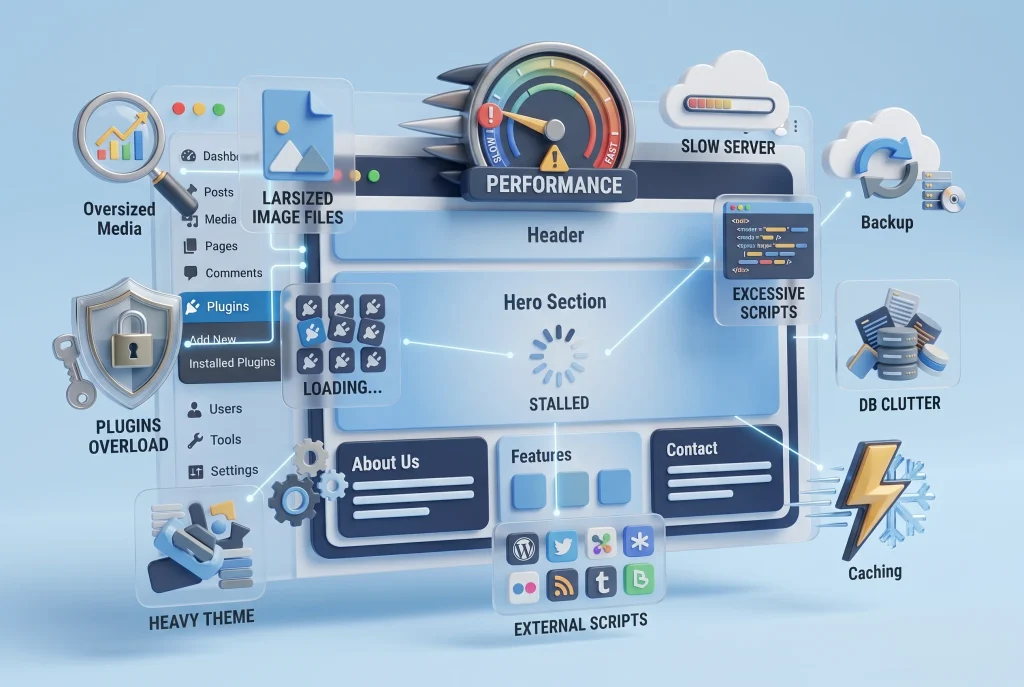
Before optimizing your website, it is important to understand what is making it slow.
There is rarely one universal reason for poor WordPress performance. Different websites have different problems.
Poor Web Hosting
Your hosting environment plays an important role in website speed.
Low-quality or overcrowded hosting can result in slow server response times, especially when your website receives more visitors.
A good hosting environment should provide sufficient server resources, modern server technology, reliable infrastructure, and good performance.
If your hosting server is consistently slow, installing more optimization plugins may not completely solve the problem.
Large and Unoptimized Images
Images are among the most common causes of slow WordPress websites.
A high-resolution image may look excellent but could be unnecessarily large for the area where it is displayed.
For example, uploading a 5000-pixel-wide photograph when your website only displays it at 1000 pixels creates unnecessary data for the browser to download.
Image optimization can include:
- Resizing images
- Compressing images
- Using modern formats such as WebP
- Using appropriate image dimensions
- Enabling lazy loading
- Avoiding unnecessarily large background images
Too Many Plugins
Plugins are one of WordPress’s biggest advantages, but installing too many unnecessary plugins can increase the amount of code your website needs to process.
Not every plugin is poorly developed, but some plugins may load CSS, JavaScript, database queries, or external resources on pages where they are not needed.
Instead of asking how many plugins are installed, focus on whether each plugin provides real value and is properly maintained.
Heavy WordPress Themes
A feature-rich theme may contain many scripts, animations, design components, sliders, fonts, and other resources.
If your website only needs a simple business layout, a theme packed with unnecessary features can create additional performance overhead.
Choose a lightweight theme and only use the features your website actually needs.
Excessive JavaScript and CSS
Modern websites often use JavaScript for interactive elements and CSS for styling.
However, excessive or unnecessary code can increase page loading time.
Unused CSS, render-blocking resources, large JavaScript files, and third-party scripts can all contribute to slower page rendering.
Too Many External Services
Analytics tools, advertising scripts, chat widgets, social media embeds, tracking systems, maps, and other third-party services can generate additional requests.
Every external resource can potentially affect performance.
Use third-party services carefully and remove anything your website no longer needs.
How to Test Your WordPress Website Speed
Before making changes, test your website.
This gives you a baseline and helps identify the biggest performance problems.
Popular website performance testing tools include Google PageSpeed Insights, GTmetrix, and other browser-based testing platforms.
When testing your website, pay attention to more than the overall score.
Look at metrics and recommendations related to:
- Largest Contentful Paint
- Interaction to Next Paint
- Cumulative Layout Shift
- First Contentful Paint
- Server response time
- Image optimization
- Render-blocking resources
- JavaScript execution
- CSS optimization
- Caching
- Mobile performance
Run multiple tests instead of relying on one result. Performance can change depending on server load, location, network conditions, caching, and other factors.
The Most Effective WordPress Site Speed Optimization Techniques
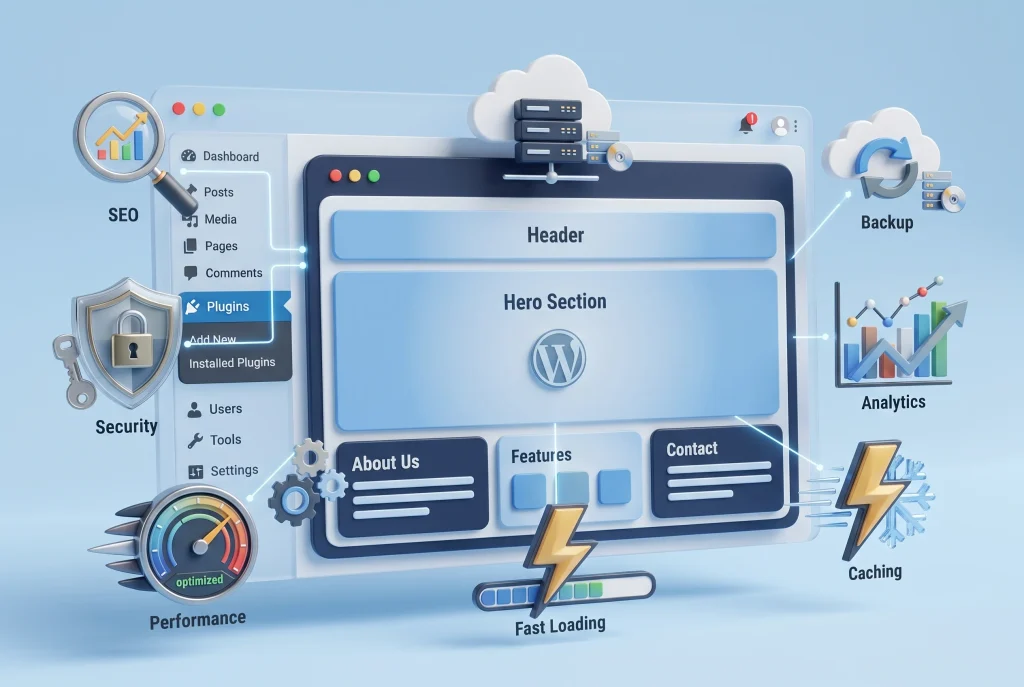
Now that we understand the common causes of slow websites, let’s look at practical optimization techniques.
1. Choose Quality WordPress Hosting
Your hosting provider creates the foundation for website performance.
A good hosting environment can provide better server response times, optimized databases, caching options, sufficient resources, and modern server technology.
When choosing hosting, consider:
- Server performance
- Storage technology
- PHP version support
- Server location
- Resource allocation
- Backup options
- Caching support
- CDN integration
- Scalability
If your website is growing, make sure your hosting plan can handle increased traffic.
2. Optimize Your Images
Image compression should be part of every WordPress optimization strategy.
Before uploading an image, consider whether you really need its original dimensions.
Use appropriately sized images and modern formats such as WebP where suitable.
You can also use responsive images so browsers can select an appropriate image size depending on the device.
Lazy loading can help prevent images below the visible area from loading immediately.
However, important images that appear near the top of the page should be handled carefully because delaying critical images can sometimes hurt loading performance.
3. Use a Caching System
Caching stores certain website resources so they can be delivered more quickly when visitors request them.
There are different types of caching, including:
- Page caching
- Browser caching
- Object caching
- Server-side caching
Caching can reduce the amount of work required to generate pages repeatedly.
For many WordPress websites, properly configured caching can provide a noticeable improvement in page loading speed.
4. Use a Content Delivery Network
A Content Delivery Network, commonly called a CDN, stores or delivers website resources through servers distributed across different geographic locations.
When a visitor requests static resources, the CDN can serve them from a location closer to the visitor.
This can be especially useful for websites with visitors from different countries.
A CDN can help with:
- Images
- CSS files
- JavaScript files
- Fonts
- Static website assets
CDNs are not a replacement for good hosting or proper website optimization, but they can complement an effective performance strategy.
5. Minify CSS and JavaScript
Minification removes unnecessary characters from code without changing its intended functionality.
This can reduce file size and potentially decrease the amount of data that needs to be transferred.
However, optimization settings should be tested carefully.
Aggressive JavaScript optimization can sometimes break website functionality, menus, forms, sliders, or other interactive components.
Always test the website after changing performance settings.
6. Remove Unnecessary Plugins
Review your installed plugins regularly.
Ask yourself:
- Do I still need this plugin?
- Is another plugin already providing the same function?
- Is the plugin actively maintained?
- Does it add unnecessary resources?
- Is there a simpler alternative?
Deactivate and remove plugins that are no longer required.
Remember that deactivating a plugin is not always the same as completely removing it. Some plugins can leave database tables or stored data behind, so database cleanup may sometimes be necessary.
7. Optimize the WordPress Database
Over time, WordPress databases can accumulate unnecessary information.
Examples include:
- Post revisions
- Auto-drafts
- Spam comments
- Trashed content
- Temporary data
- Unused metadata
Database optimization should be performed carefully and preferably after creating a backup.
Do not delete database information manually unless you understand exactly what it does.
8. Reduce Unnecessary Fonts
Fonts can have a surprisingly noticeable impact on page performance.
Using multiple font families and many font weights can increase the number and size of resources that browsers need to load.
A cleaner approach is to use a limited number of font families and only the weights required by your design.
Where appropriate, locally hosted fonts can also help reduce dependency on external font requests.
9. Optimize Above-the-Fold Content
The content visible when a page initially loads is often called above-the-fold content.
This content should be prioritized because visitors see it first.
Avoid loading unnecessary large sliders, videos, animations, and oversized background images before important content.
Your primary heading, navigation, main image, and essential content should load efficiently.
10. Improve Core Web Vitals
Core Web Vitals are important performance measurements focused on real user experience.
The main metrics include:
Largest Contentful Paint (LCP) — measures how quickly the largest visible content element loads.
Interaction to Next Paint (INP) — measures how responsive a page is to user interactions.
Cumulative Layout Shift (CLS) — measures unexpected movement of content while a page loads.
Improving these metrics generally involves optimizing images, reducing unnecessary JavaScript, improving server response times, reserving space for images and advertisements, and making the page more responsive.
Think About Performance Before Adding New Features
One of the easiest ways to slow down a WordPress website is continuously adding new features without considering their performance impact.
A slider, popup, chatbot, animation, social feed, tracking script, video background, or third-party widget may look useful individually. However, combining many of them can create a significant performance burden.
Before installing a new plugin or feature, ask:
- Do I really need this feature?
- Does it improve the visitor experience?
- Can I achieve the same result with existing functionality?
- How much JavaScript or CSS does it add?
- Does it load resources on every page?
- Can it be configured to load only where required?
Performance should be considered during website development rather than treated as a problem to fix later.
WordPress Site Speed Optimization for Mobile Devices
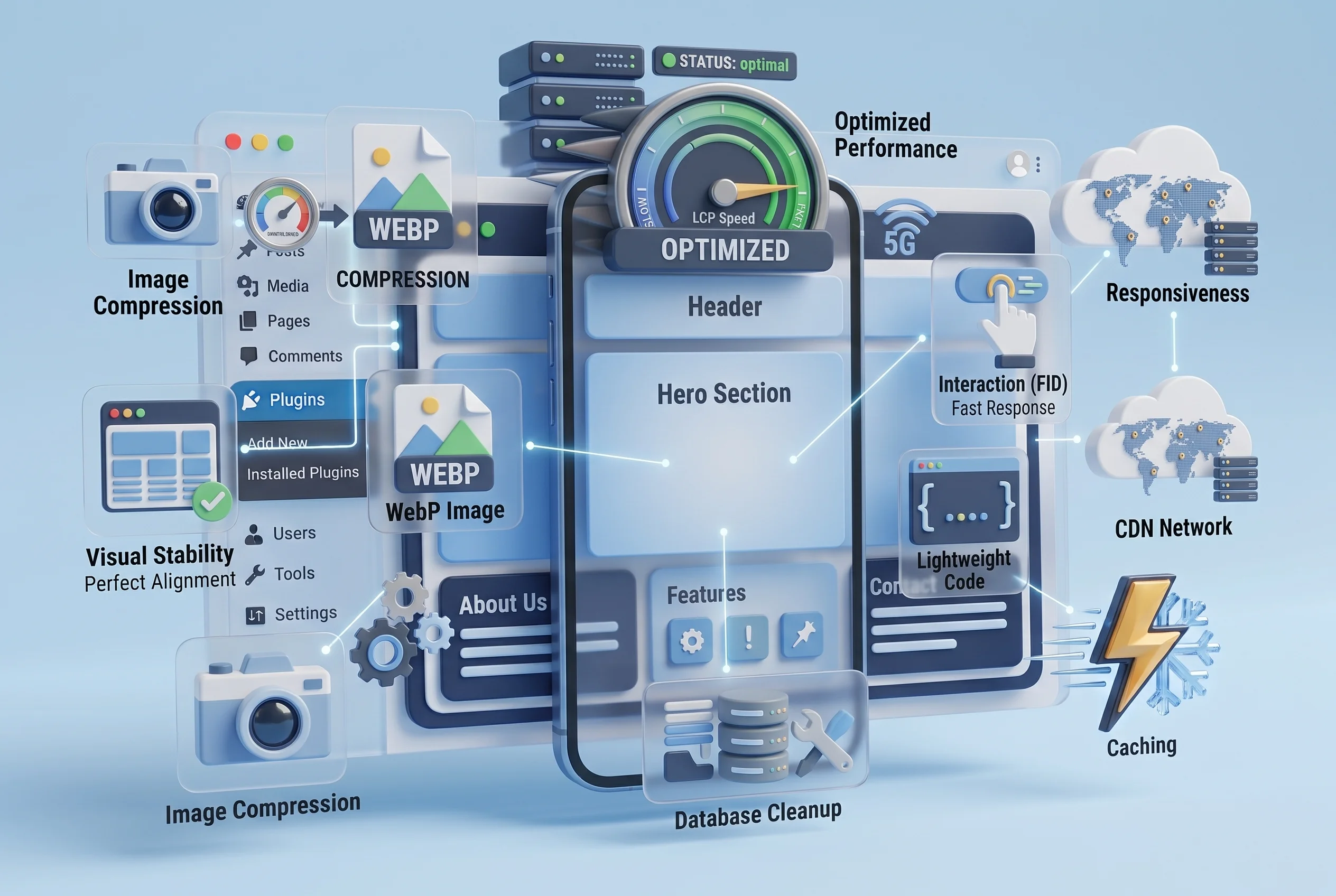
Mobile optimization deserves special attention because mobile visitors often have different screen sizes, hardware capabilities, and network conditions.
A website that loads quickly on a powerful desktop computer may not perform equally well on a smartphone.
To improve mobile performance:
- Use responsive images
- Reduce unnecessary animations
- Keep layouts simple
- Avoid oversized media
- Optimize fonts
- Reduce JavaScript
- Use caching
- Improve server response time
- Test important pages on mobile
Always test your homepage, blog posts, landing pages, product pages, and contact forms separately.
Common WordPress Speed Optimization Mistakes
Even when trying to improve website performance, website owners can make mistakes.
Installing Too Many Optimization Plugins
More optimization plugins do not automatically mean better performance.
Multiple plugins may perform overlapping tasks and sometimes cause conflicts.
Use a simple, well-configured optimization setup instead.
Chasing a Perfect Speed Score
A 100 score can be satisfying, but it should not become the only goal.
Real-world website performance matters more than an artificial number.
Focus on whether visitors can quickly access and interact with your content.
Ignoring Hosting
No optimization plugin can completely compensate for extremely poor hosting.
If server response times remain consistently high, investigate the hosting environment.
Optimizing Without Testing
Changing caching, JavaScript, CSS, or database settings without testing can create new problems.
After major optimization changes, check:
- Homepage
- Navigation
- Forms
- Checkout
- Login
- Search
- Mobile layout
- Images
- Interactive elements
Forgetting About Mobile
A website can look fast on your computer while performing poorly on mobile.
Always include mobile testing in your optimization process.
How Often Should You Optimize a WordPress Website?
Website optimization should be an ongoing process rather than a one-time task.
You should review performance whenever you:
- Install a major plugin
- Change your WordPress theme
- Add new tracking tools
- Upload large media files
- Add new website features
- Change hosting
- Experience traffic growth
- Notice slower loading times
A monthly or quarterly performance review can help identify problems before they become serious.
A Simple WordPress Speed Optimization Checklist
Use this checklist when reviewing your website:
- Choose reliable WordPress hosting
- Test website performance regularly
- Compress and resize images
- Use WebP where appropriate
- Enable caching
- Consider using a CDN
- Remove unnecessary plugins
- Keep themes and plugins updated
- Minify CSS and JavaScript carefully
- Reduce unnecessary third-party scripts
- Optimize the WordPress database
- Limit unnecessary fonts
- Improve Core Web Vitals
- Test mobile performance
- Monitor server response time
- Keep backups before major optimization changes
Following these steps can create a strong foundation for a faster and more efficient WordPress website.
Final Thoughts on WordPress Site Speed Optimization
WordPress site speed optimization is an important part of building and maintaining a successful website. A fast website provides a better user experience, performs more efficiently on mobile devices, supports SEO efforts, and can make it easier for visitors to complete important actions.
The best approach is not to install every optimization plugin available or chase a perfect performance score. Instead, identify the biggest problems first and fix them systematically.
Start with your hosting, images, caching, plugins, theme, JavaScript, CSS, database, and third-party resources. Then test your website again and monitor the results.
Most importantly, think about performance before adding new features. A lightweight website that provides exactly what visitors need is often better than a feature-heavy website that takes too long to load.
By making website performance part of your regular WordPress maintenance routine, you can create a faster, more reliable, and more user-friendly website that is ready to serve visitors as your online presence grows.