
Subtotal ₨ 0
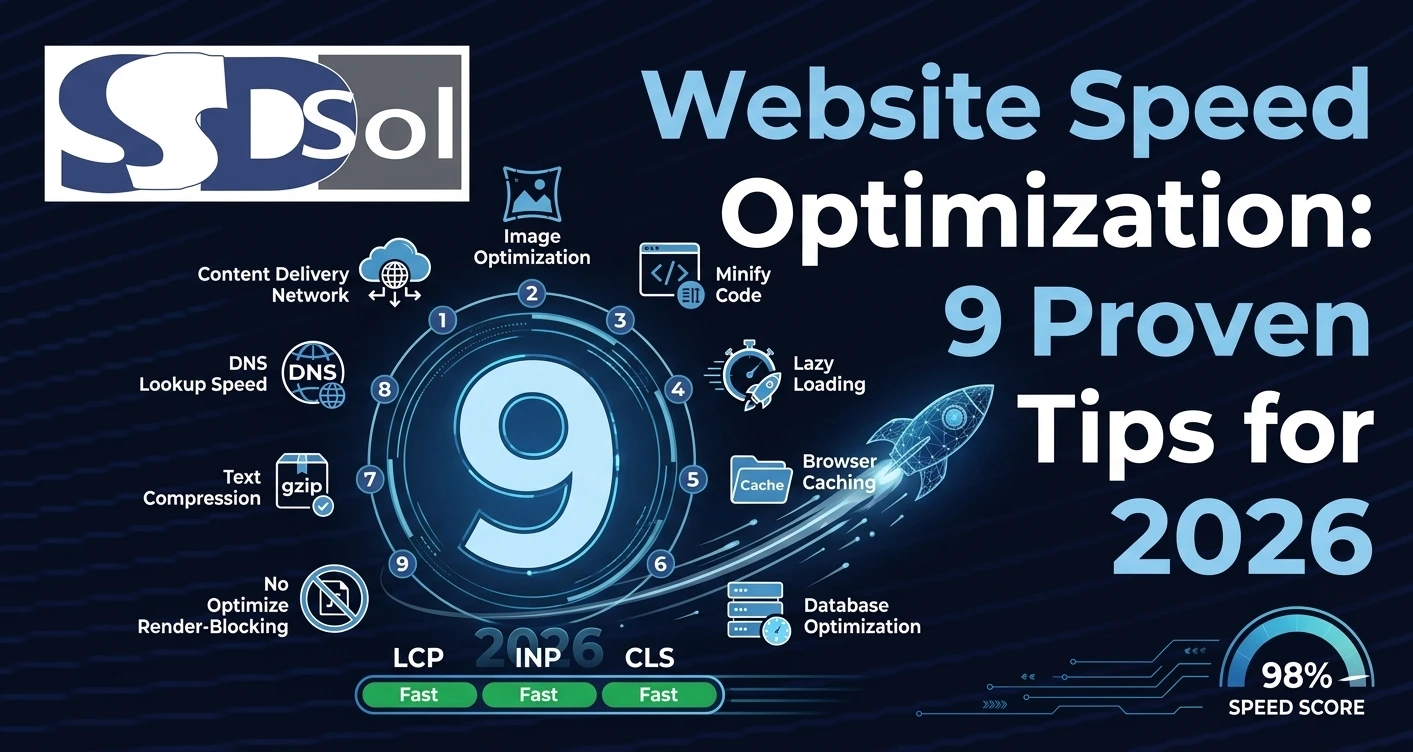
A slow website costs you visitors, sales, and search rankings. Website speed optimization is the process of making your pages load faster so people stay, browse, and convert instead of leaving. This guide covers 9 proven tips to speed up your website in 2026, from images and hosting to code and caching.
Table of Contents
- Why Website Speed Optimization Matters
- How to Measure Your Website Speed
- 9 Proven Website Speed Optimization Tips
- Quick Checklist Before You Publish
- Final Thoughts
- Frequently Asked Questions
Why Website Speed Optimization Matters
Visitors expect a page to load in a couple of seconds. Every extra second of loading time increases the chance that someone leaves before your content even appears. Website speed optimization also affects your search rankings directly, since Google uses page speed as part of its Core Web Vitals ranking signals.
A faster site means lower bounce rates, better mobile experience, higher conversions, and a stronger return on your marketing spend.
How to Measure Your Website Speed
Before you optimize anything, get a baseline. Run your homepage and a few key pages through Google PageSpeed Insights or GTmetrix. Note your Largest Contentful Paint, Cumulative Layout Shift, and Total Blocking Time, since these are the metrics that matter most for both users and rankings. Test again after each major change so you know what actually helped.
9 Proven Website Speed Optimization Tips
1. Compress and Resize Images
Large images are the most common cause of slow websites. Resize images to the actual display size, compress them with a tool like TinyPNG or Squoosh, and use modern formats such as WebP or AVIF. Add width and height attributes so the browser reserves space and avoids layout shifts.
2. Choose Fast, Reliable Hosting
No amount of website speed optimization can fix a slow server. Choose hosting with solid uptime, SSD storage, and servers located near your main audience, or use a managed WordPress host built for performance.
3. Enable Browser and Server Caching
Caching stores a copy of your page so repeat visits load almost instantly. Use a caching plugin on WordPress, or configure server-level caching, and set sensible cache expiration times for static assets like images, CSS, and JavaScript.
4. Use a Content Delivery Network (CDN)
A CDN serves your files from servers closer to each visitor, cutting the distance data has to travel. This is one of the fastest wins in website speed optimization, especially if your visitors are spread across different regions.
5. Minify and Combine CSS and JavaScript
Minifying removes unnecessary spaces and characters from your code, while combining files reduces the number of requests the browser makes. Many plugins and build tools automate both steps for you.
6. Reduce Third-Party Scripts and Plugins
Every analytics tag, chat widget, and unused plugin adds extra loading time. Audit your site regularly and remove anything that is not earning its place. Load non-critical scripts after the main content, using async or defer attributes.
7. Lazy Load Images and Videos
Lazy loading delays offscreen images and videos until the visitor scrolls near them. This lightens the initial page load and speeds up the content people see first.
8. Optimize Your Code and Database
Clean, efficient code loads faster than bloated code full of unused styles and scripts. On WordPress, regularly clean up your database, remove old revisions, and keep your theme and plugins updated and lightweight.
9. Use a Lightweight Theme and Limit Web Fonts
Heavy themes and multiple font families slow your site down before content even renders. Choose a lightweight, well-coded theme, and limit yourself to one or two font families loaded efficiently.
Quick Checklist Before You Publish
Run through this list before you consider your website speed optimization done:
- Images are resized, compressed, and in a modern format
- Caching and a CDN are active
- CSS and JavaScript are minified
- Unused plugins and scripts are removed
- Core Web Vitals scores are in the green
- The site is tested on both mobile and desktop
Final Thoughts
Website speed optimization is not a one-time task. Test regularly, fix the biggest issues first, such as images and hosting, and keep an eye on your Core Web Vitals as your site grows. A faster website means happier visitors, better rankings, and more conversions.
At System Software Development Solution (SSD Sol), our team in Lahore builds fast, well-optimized websites, along with UI/UX design, ERP systems, and Android apps. Explore our web development services, learn more about us, or read our guide on top web development trends. Want help with website speed optimization? Contact us for a free consultation.
Frequently Asked Questions
What is website speed optimization?
It is the process of improving how quickly a website loads and responds, using techniques like image compression, caching, and clean code.
How fast should my website load?
Aim for a Largest Contentful Paint under 2.5 seconds. Anything close to or above 4 seconds usually hurts both user experience and search rankings.
Does website speed affect SEO?
Yes. Google uses Core Web Vitals as a ranking factor, so a faster site can support better search visibility along with a better user experience.
What is the easiest first step for website speed optimization?
Start with your images. Compressing and resizing them usually gives the biggest speed improvement for the least effort.