
Subtotal ₨ 0
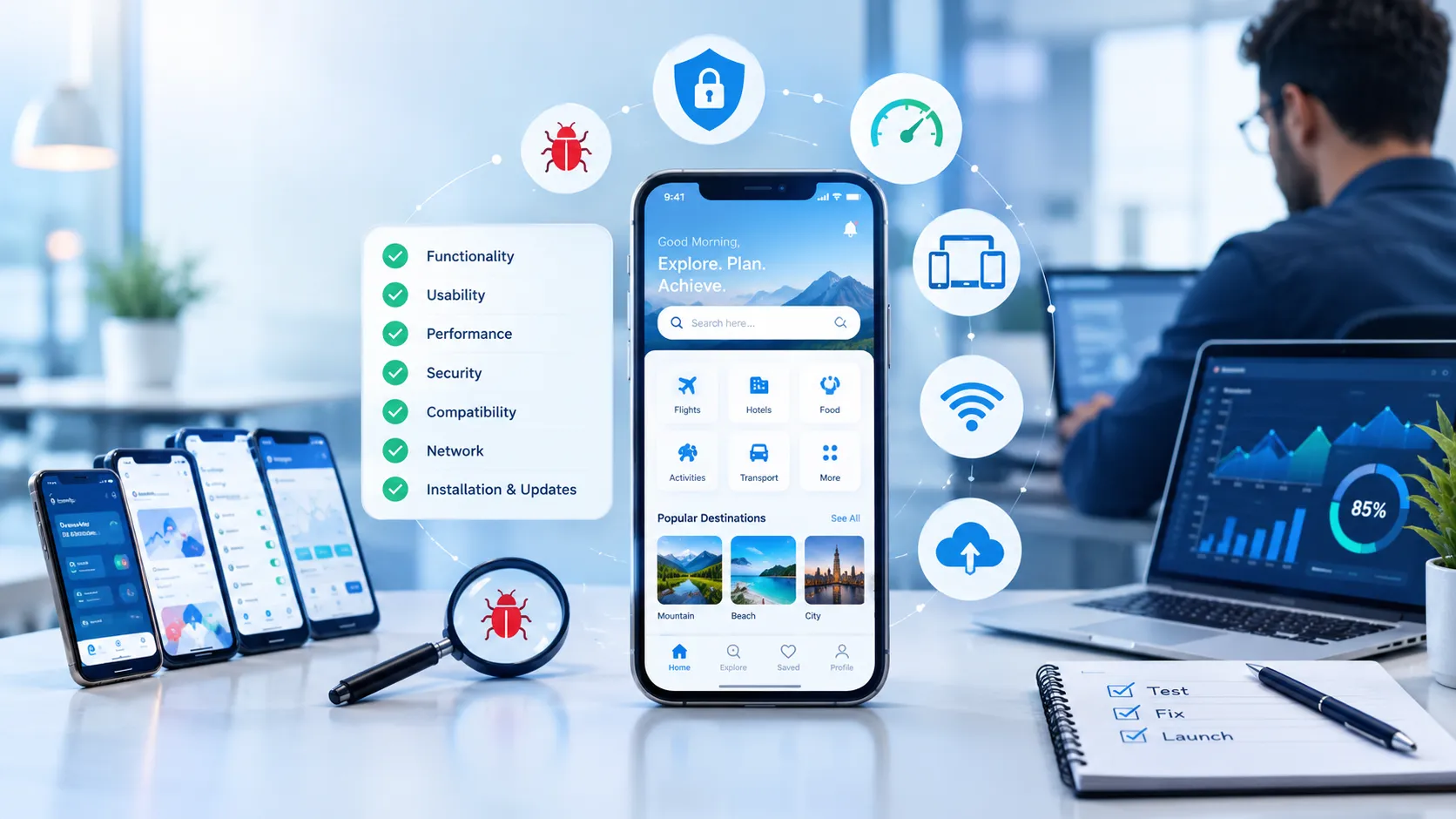
Launching a mobile app can be exciting, but getting the app developed is only part of the journey. Before an app reaches customers, it needs to work properly across different devices, operating systems, screen sizes, and real-world situations.
This is where a mobile app testing checklist becomes important.
A well-planned testing checklist helps development teams identify bugs, usability problems, performance issues, security risks, and compatibility problems before users encounter them. For businesses, this can mean fewer negative reviews, better customer satisfaction, and a more reliable digital product.
In this guide, we’ll explain why a mobile app testing checklist matters and what businesses should consider before launching an app.

What Is a Mobile App Testing Checklist?
A mobile app testing checklist is a structured list of tests used to evaluate an application before and after release.
Instead of simply opening an app and checking whether it works, testers systematically examine different parts of the application. These may include:
- App functionality
- User interface
- Performance
- Device compatibility
- Security
- Navigation
- Notifications
- Network behavior
- Installation and updates
- Data handling
- User experience
Having a checklist makes the testing process more organized and reduces the possibility of overlooking important issues.
Why Is Mobile App Testing Important for Businesses?
A mobile application is often one of the main ways customers interact with a business. If the application crashes, loads slowly, loses data, or contains confusing features, users may stop using it.
Testing helps businesses discover these problems before they negatively affect customers.
A proper testing process can help improve:
- Customer satisfaction
- App reliability
- Brand reputation
- User retention
- Security
- Conversion rates
- Overall product quality
For businesses investing significant time and money into app development, testing should not be treated as an optional final step.
1. Helps Find Bugs Before Users Do
One of the biggest benefits of using a mobile app testing checklist is finding bugs before the application reaches the public.
Even a small problem can create a poor user experience. For example, a button may not respond, a payment page may fail, or an app may crash when users switch between screens.
Testing allows developers and QA teams to identify these problems and fix them before launch.
This is especially important for applications that handle payments, customer accounts, bookings, communication, or sensitive information.
2. Improves User Experience
Users expect mobile applications to be simple and responsive.
An app may technically function correctly but still provide a poor experience. For example, users may struggle to find important buttons, understand navigation, complete forms, or recover from errors.
A testing checklist should therefore include usability testing.
Testers can evaluate questions such as:
- Is navigation easy to understand?
- Are buttons easy to tap?
- Is the text readable?
- Are important features easy to find?
- Are error messages helpful?
- Does the app behave consistently?
Improving these areas can make the application easier and more enjoyable to use.
3. Checks Compatibility Across Devices
There are many different smartphones, screen sizes, hardware configurations, and operating system versions.
An application that works perfectly on one device may experience problems on another.
Compatibility testing helps businesses identify issues related to:
- Different screen sizes
- Android versions
- iOS versions
- Different device specifications
- Portrait and landscape orientations
- Different screen resolutions
A comprehensive mobile app testing checklist should include testing on the devices and operating-system versions that are most relevant to the target audience.
4. Protects App Performance
Nobody wants to use an app that takes too long to load or constantly freezes.
Performance testing examines how an application behaves under different conditions.
For example, testers may check:
- App loading speed
- Response time
- Memory usage
- Battery consumption
- CPU usage
- Performance with slow internet
- Behavior under heavy traffic
Performance problems can become particularly serious when an application suddenly receives a large number of users.
Testing before launch gives businesses an opportunity to identify performance bottlenecks and optimize the application.
5. Helps Identify Security Problems
Security should be a major part of mobile application testing, particularly when an app handles personal information, payments, passwords, or business data.
A testing process should examine areas such as:
- Login and authentication
- Password handling
- Session management
- Data storage
- API communication
- User permissions
- Sensitive information exposure
Security testing does not guarantee that an application is completely risk-free, but it can help identify weaknesses that require attention.
Businesses should also consider professional security testing when their application handles sensitive or high-value data.
6. Tests the App Under Different Network Conditions
Mobile users do not always have fast and stable internet connections.
Some users may be connected to Wi-Fi, while others may use mobile data or experience temporary connectivity problems.
A good testing checklist should consider situations such as:
- Fast Wi-Fi
- Slow internet
- Unstable connections
- Switching between Wi-Fi and mobile data
- Temporary loss of connection
- Offline mode, when supported
The application should provide users with understandable feedback instead of simply freezing or displaying unexplained errors.
7. Reduces Negative Reviews
App-store reviews can influence how potential customers perceive a business.
When users repeatedly experience crashes, broken features, or poor performance, they may leave negative reviews.
While testing cannot eliminate every possible issue, systematic testing can reduce avoidable problems.
A better-performing application can create a smoother experience and give customers fewer reasons to complain about basic functionality.
8. Saves Time and Development Costs
Finding a bug during development is usually easier than discovering the same problem after thousands of customers are using the application.
Post-launch problems can require:
- Emergency fixes
- Additional development work
- Customer support
- App updates
- Reputation management
- Lost customers
A structured testing process helps teams identify problems earlier in the development lifecycle.
This is one reason businesses should consider testing throughout development rather than waiting until the very end.
9. Supports App Store and Google Play Releases
Before publishing an application, businesses should make sure that important functionality works correctly.
Testing should include practical release scenarios such as:
- Fresh installation
- App updates
- Uninstallation and reinstallation
- Login after updating
- Data preservation
- Permission requests
- Push notifications
- Deep links
- In-app purchases, if applicable
A final release checklist can help teams avoid simple problems that could affect users immediately after an update.
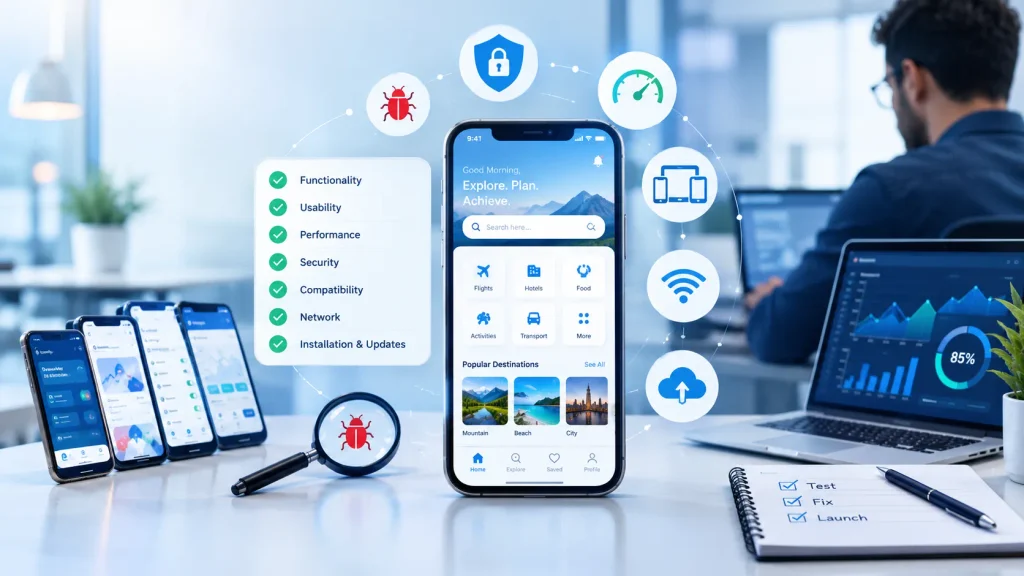
Mobile App Testing Checklist: What Should You Test?
Here is a practical starting point for businesses and development teams.
Functional Testing
Check whether the core features work correctly.
- Registration
- Login and logout
- Password reset
- Search
- Forms
- Buttons
- Navigation
- Payments
- Notifications
- User profiles
- Data submission
- Third-party integrations
UI and Usability Testing
Check how the application looks and feels.
- Font readability
- Button placement
- Spacing
- Colors
- Icons
- Screen layout
- Navigation
- Error messages
- Touch interactions
- Accessibility
Compatibility Testing
Test the application on relevant:
- Android devices
- iPhones
- Operating system versions
- Screen sizes
- Screen resolutions
- Device configurations
Performance Testing
Evaluate:
- Loading time
- App responsiveness
- Memory usage
- Battery consumption
- Network performance
- Startup time
- Behavior under heavy usage
Security Testing
Review:
- Authentication
- Authorization
- Password protection
- Data storage
- API security
- User permissions
- Sensitive information
Network Testing
Test:
- Wi-Fi
- Mobile data
- Slow connections
- Unstable connections
- Connection loss
- Network switching
Installation and Update Testing
Check:
- New installation
- App updates
- Reinstallation
- Data retention
- Permissions
- Update compatibility
Manual Testing vs Automated Testing
Both manual and automated testing can play an important role in mobile app development.
Manual testing involves human testers interacting with the application and evaluating functionality and usability.
It is particularly useful for:
- User experience
- Visual problems
- Exploratory testing
- New features
- Real-world usage scenarios
Automated testing uses software tools to execute predefined tests.
It can be useful for:
- Repetitive tests
- Regression testing
- Large test suites
- Frequent software updates
- Continuous integration workflows
Many development teams use a combination of both approaches.

When Should You Use a Mobile App Testing Checklist?
Testing should not happen only immediately before launch.
A better approach is to test throughout the development process.
For example:
During development: Test individual features as they are created.
Before major releases: Perform broader functional and regression testing.
Before launch: Complete comprehensive device, usability, security, and performance testing.
After launch: Monitor real-world problems and test future updates.
This approach can help teams detect issues earlier and maintain app quality over time.
Common Mobile App Testing Mistakes
Businesses can sometimes make testing less effective by focusing only on basic functionality.
Common mistakes include:
Testing Only One Device
An app may work on the developer’s phone but fail on other devices.
Testing Only With Fast Internet
Real users may experience slow or unstable connections.
Ignoring Older Operating Systems
If a business supports older OS versions, those versions should be included in testing.
Testing Only Happy Paths
Testers should also consider what happens when users enter incorrect information or perform unexpected actions.
Leaving Testing Until the End
Late testing can make bugs more expensive and time-consuming to fix.
Ignoring User Experience
An app can be technically functional while still being frustrating to use.
How Businesses Can Create an Effective Testing Process
Start by identifying the most important user journeys.
For example, an e-commerce application may prioritize:
- Account registration
- Product search
- Product selection
- Shopping cart
- Checkout
- Payment
- Order confirmation
These critical journeys should receive thorough testing.
Next, identify the devices, operating systems, network conditions, and user scenarios that are most important to your audience.
Finally, document test results and track every identified issue until it is resolved or intentionally accepted.
Final Thoughts
A mobile app testing checklist gives businesses a structured way to evaluate their applications before problems reach customers.
From functionality and compatibility to performance, security, usability, and network behavior, testing covers the areas that can directly affect the user experience.
A successful mobile application is not simply one that works on a developer’s device. It should provide a reliable experience for the people who actually use it.
For businesses investing in mobile app development, systematic testing can help reduce avoidable problems, improve product quality, and create a stronger foundation for long-term app growth.
Frequently Asked Questions
What is a mobile app testing checklist?
A mobile app testing checklist is a structured list of tests used to verify an application’s functionality, usability, compatibility, performance, security, and other important areas.
Why is mobile app testing important?
Mobile app testing helps identify bugs and usability, performance, compatibility, and security issues before or after an application is released to users.
When should mobile apps be tested?
Testing should take place throughout development, before major releases, before launch, and after updates to help maintain application quality.
What should be included in a mobile app testing checklist?
A checklist can include functional testing, UI testing, usability testing, compatibility testing, performance testing, security testing, network testing, and installation/update testing.
Is automated testing enough for a mobile app?
Automated testing is useful for repetitive and regression tests, but manual testing remains valuable for usability, visual evaluation, exploratory testing, and real-world user scenarios.
How can testing reduce app development costs?
Finding and fixing problems earlier can reduce the effort associated with emergency fixes, customer support issues, and post-launch development work.