
Subtotal ₨ 0
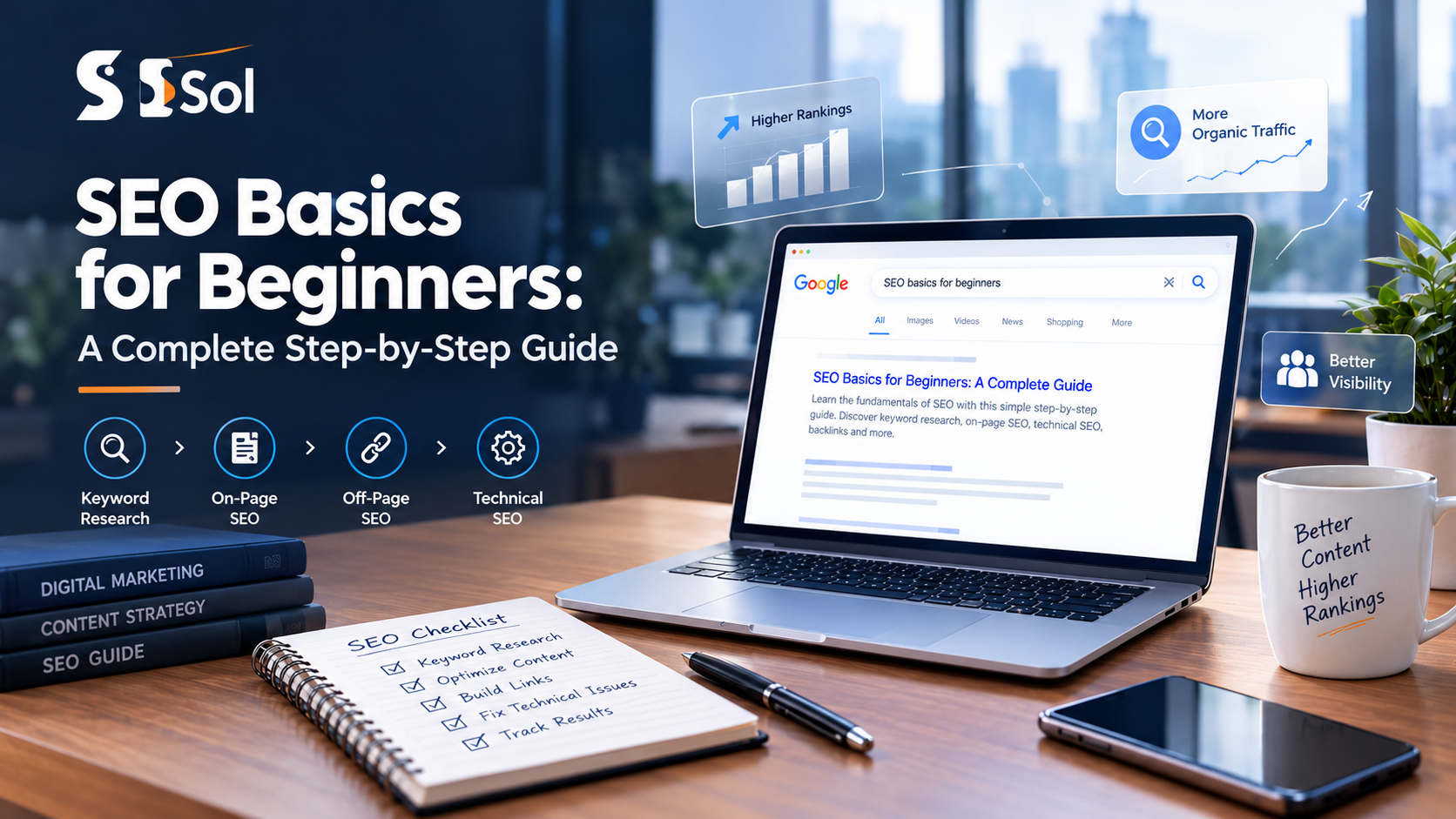
SEO, or search engine optimization, is the process of improving a website so search engines can understand its content and show it to people searching for relevant information. For anyone looking to understand SEO basics for beginners, it is less about technical tricks and more about making your website easy to discover, easy to understand, and genuinely useful to your audience.
The goal is simple: when someone searches for a problem your website can solve, you want your relevant page to have a chance of appearing in the organic search results. This guide breaks SEO basics for beginners into practical steps so you can understand what to do, where to start, and what to avoid—even if you have zero technical background.Optimizing your site for a mobile app or responsive mobile layout ensures that mobile visitors get a seamless browsing experience.
What Is SEO and Why Are SEO Basics for Beginners Important?
SEO is the process of improving your website’s visibility in unpaid search results by making its content, structure, and overall experience useful to both search engines and users.
Think of Google as a huge library. Your website is a book inside that library. SEO basics for beginners help Google:
- Find your book.
- Understand what it is about.
- Decide which searches it answers.
- Determine how useful and trustworthy it appears to be.
- Show it to the right reader.
Understanding SEO basics for beginners matters because organic traffic can bring people to your website without paying for every individual click. For a small business or new blog, that can create a long-term source of visitors, leads, subscribers, or customers.
Learning SEO basics for beginners also helps you understand your audience. When you research what people search for, you learn:
- What problems they have.
- What words they use.
- What information they need.
- Whether they are researching or ready to buy.
- What type of content they expect to find.
Is SEO only about getting a higher Google ranking?
No. SEO basics for beginners teach us that optimization is about helping the right people find the right content and giving them a useful experience once they arrive. A high position in search results means little if the visitor lands on a confusing, slow, or irrelevant page. Good SEO therefore combines search visibility, useful content, technical accessibility, and user experience (UX).
How Do Search Engines Work? Crawling, Indexing, and Ranking
Search engines generally discover pages through crawling, store and understand eligible pages through indexing, and then rank relevant pages when someone performs a search. Mastering these steps is fundamental when studying SEO basics for beginners.
1. What Is Crawling?
Crawling is the process search engines use to discover webpages and follow links to find additional content. Search engines use automated programs, commonly called crawlers or bots, to discover URLs.
For example:
- Google discovers your homepage.
- It follows a link to your Services page.
- It discovers your blog.
- It follows links from your blog to individual articles.
- It continues discovering accessible pages.
Your internal links therefore matter. If an important page is isolated with no useful links pointing toward it, search engines may have a harder time discovering it.
2. What Is Indexing?
Indexing is the process of analyzing and storing information about a webpage so the search engine can potentially retrieve it for relevant searches. Think of an index at the back of a textbook. Search engines build their own enormous index of web content. Being crawled does not automatically mean a page will rank well, and being indexed does not guarantee that it will appear prominently for a particular query.
3. What Is Ranking?
Ranking is the process of determining which eligible pages are most relevant and useful for a particular search query. Suppose someone searches: “how to write an SEO blog post”. Search engine algorithms evaluate many signals to determine which results should be presented.
Your job when applying SEO basics for beginners is not to “trick” an algorithm. Your job is to make your page:
- Relevant to the search.
- Helpful to the reader.
- Easy to understand.
- Accessible to search engines.
- Technically sound.
- Worth recommending.
What Are the 3 Core Pillars of SEO Basics for Beginners?
The three practical areas of SEO are on-page SEO, off-page SEO, and technical SEO. They work together. Think of SEO as opening a restaurant:
- On-page SEO = the food and menu.
- Off-page SEO = recommendations from other people.
- Technical SEO = the building, electricity, doors, and kitchen infrastructure.
You need all three to build a solid foundation when learning SEO basics for beginners.
Pillar 1: On-Page SEO – Content & HTML Optimization
On-page SEO improves the content and page elements that help users and search engines understand what a webpage is about. This is usually the easiest place to start when implementing SEO basics for beginners because you control most of it.
Start with search intent
Search intent is the underlying reason a person performs a search.
- “what is SEO” $\rightarrow$ learning intent
- “SEO checklist” $\rightarrow$ practical/problem-solving intent
- “best SEO tools” $\rightarrow$ comparison/research intent
- “SEO agency in London” $\rightarrow$ service/local intent
Your content should match what the searcher actually wants. If someone searches for SEO basics for beginners and your page immediately tries to sell them an expensive service without teaching them anything, the content does not properly satisfy the query.
Write useful content
Useful content answers the reader’s actual question clearly and completely without adding unnecessary filler. Use clear explanations, examples, step-by-step instructions, and practical checklists.
Optimize your title tag
A title tag is the HTML title that helps describe a webpage and commonly appears as the clickable title in search results. For example:
SEO Basics for Beginners: A Proven Step-by-Step Guide 2026
Write a useful meta description
A meta description is a short description that helps searchers understand what a page offers directly from search results.
Example: Learn SEO basics for beginners with a practical guide to keywords, on-page SEO, technical SEO, backlinks, and search engine indexing.
Use header tags correctly
Header tags organize your content into a logical hierarchy that makes long pages easier to understand:
- H1: SEO Basics for Beginners: A Proven Step-by-Step Guide 2026
- H2: What Is SEO and Why Does It Matter?
- H2: Core Pillars of SEO
- H3: Pillar 1: On-Page SEO
- H3: Pillar 2: Off-Page SEO
- H3: Pillar 3: Technical SEO
Use internal links
Internal links connect one page on your website to another. For example, an SEO basics for beginners article could link to a keyword research guide or a technical SEO checklist.
Pillar 2: Off-Page SEO & Backlinks
Off-page SEO involves signals and activities outside your own website that contribute to how your website is discovered and trusted. One major component is backlinks.
What is a backlink?
A backlink is a link from another website to your website. If another respected website finds your article on SEO basics for beginners useful, they may link to it as a resource.
What makes a backlink valuable?
Focus on relevance, editorial context, and trustworthiness. Avoid buying large quantities of questionable links simply to manipulate rankings.
Pillar 3: Technical SEO Fundamentals
Technical SEO improves the structural elements of a website that affect crawling, indexing, performance, and accessibility.
Website speed
A fast website reduces friction for visitors. Focus on compressing images, enabling caching, and using reliable hosting.
Mobile usability
Your website must work properly on smartphones and tablets. Always check button sizes, text readability, and page layout on mobile screens.
XML sitemap & Robots.txt
An XML sitemap helps search engines discover your URLs, while a robots.txt file instructs crawlers on which areas they can or cannot request.
HTTPS
HTTPS encrypts the connection between a visitor’s browser and your website, making it a basic security requirement for modern SEO.
Common SEO Mistakes Beginners Must Avoid
Most beginner SEO problems come from focusing on search engines while ignoring the actual human reader.
- Keyword stuffing: Repeating SEO basics for beginners in every single sentence does not make the article better and will harm your rankings.
- Writing for algorithms instead of people: Always write naturally first.
- Targeting only high-volume keywords: Focus on smaller, highly relevant queries first.
- Ignoring search intent: Ensure your page content matches what the user is actually trying to accomplish.
- Publishing thin content: Focus on depth and value rather than just word count.
- Expecting immediate results: SEO is a long-term process, not an overnight fix.
Step-by-Step SEO Basics for Beginners Framework
Use this simple workflow every time you write a new piece of content:
- Choose one specific topic: Pick a clear problem your audience cares about (e.g., SEO basics for beginners).
- Identify the primary keyword: Select your target keyword and list related sub-topics.
- Check search intent: Understand what top-ranking pages are offering and do it better.
- Create a structured outline: Organize H1, H2, and H3 tags before writing.
- Deliver value fast: Answer the searcher’s core question near the top of the page.
- Optimize on-page elements: Ensure your title, meta description, headers, and internal links include relevant context naturally.
- Verify technical health: Test mobile performance, loading speeds, and indexing permissions.
- Publish and track: Monitor your search performance using analytics tools over time.
SEO Basics for Beginners Checklist
Use this checklist before publishing your page:
- [ ] Primary keyword (SEO basics for beginners) is included naturally in the H1, title tag, and first 100 words.
- [ ] Search intent is fully satisfied.
- [ ] Content is organized using clear H2, H3, and H4 headings.
- [ ] Meta description is accurate and includes the target keyword naturally.
- [ ] Internal links to other relevant content are added.
- [ ] Page is mobile-friendly and HTTPS enabled.
- [ ] Images are compressed and contain descriptive alt text.
What Should You Learn First?
If you are just starting out, follow this learning order:
- Understanding search engine crawling and indexing.
- Search intent and keyword research.
- On-page SEO fundamentals.
- Basic technical SEO (speed, mobile-friendliness).
- Backlink building and domain authority.
Start by applying these SEO basics for beginners to a single page on your website, measure the results, and iterate from there!